What is XS-Leaks (Cross-Site Leaks)? Ways to Exploit, Examples and Impact
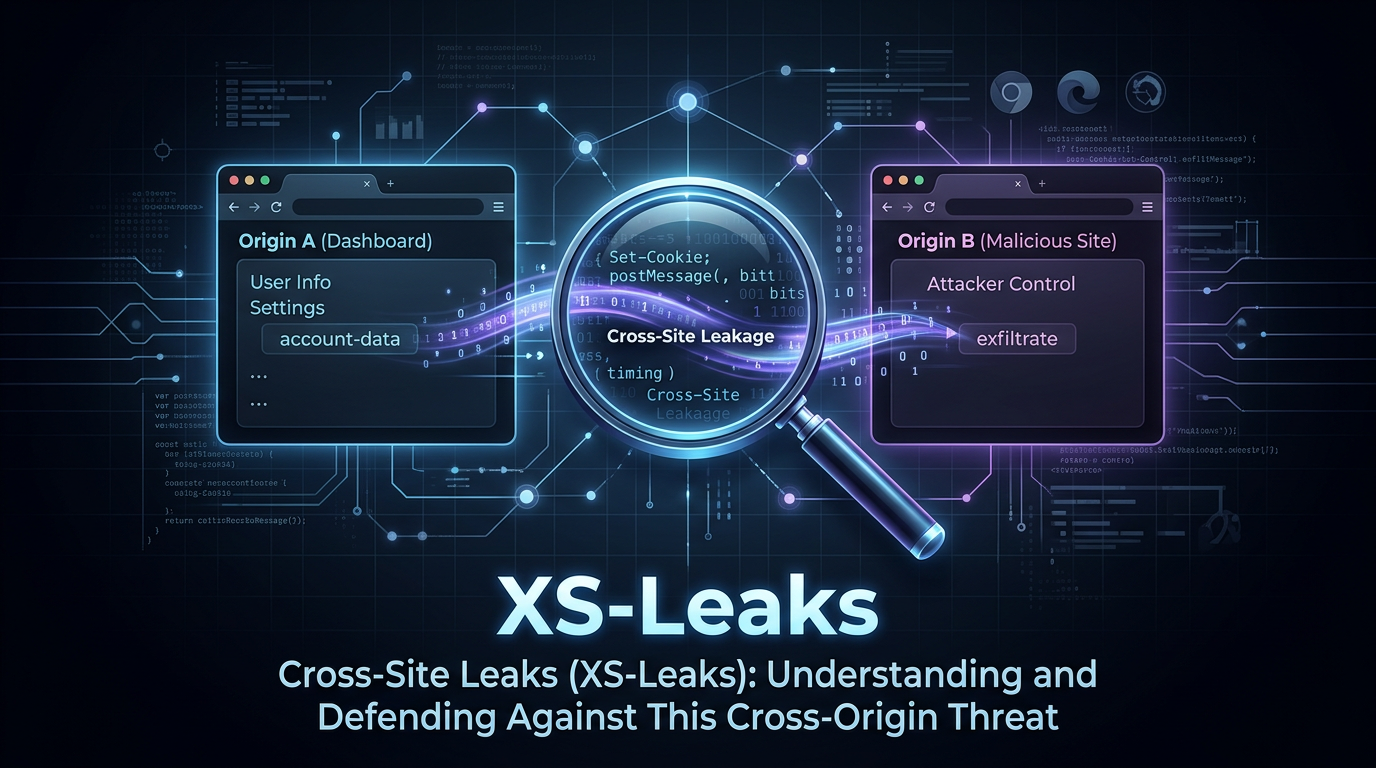
Cross-Site Leaks, commonly referred to as XS-Leaks, represent a sophisticated class of vulnerabilities that allow an attacker to exfiltrate sensitive information across origin boundaries by leveraging side-channel attacks. Unlike traditional vulnerabilities like Cross-Site Scripting (XSS) that aim to execute code, XS-Leaks focus on observing browser behavior to infer data that should otherwise be protected by the Same-Origin Policy (SOP). In this guide, we will explore the mechanics of XS-Leaks, common exploitation vectors, and how to defend against these subtle yet powerful attacks.
Understanding the Core of XS-Leaks
To understand XS-Leaks, we must first revisit the Same-Origin Policy (SOP). The SOP is a fundamental security mechanism in web browsers that prevents a script on one origin (e.g., attacker.com) from reading data from another origin (e.g., bank.com). While the SOP is highly effective at blocking direct access to the Document Object Model (DOM) or response bodies, it does not perfectly isolate the behavioral characteristics of the browser when it interacts with different origins.
An XS-Leak occurs when an attacker can distinguish between two or more states of a target application by observing a side-channel. For example, if a web application behaves differently when a user is an administrator versus a regular user, and that difference can be detected by a third-party site, an XS-Leak exists. These "differences" are often minute—a slight delay in response time, the number of frames loaded, or the triggering of a specific JavaScript event.
How XS-Leaks Differ from CSRF and XSS
It is helpful to distinguish XS-Leaks from more well-known vulnerabilities:
- Cross-Site Scripting (XSS): XSS involves injecting malicious scripts into a trusted website. The goal is to execute code in the context of the victim's session. In contrast, XS-Leaks do not require code execution on the target site; they rely on the attacker's own site observing the target's behavior.
- Cross-Site Request Forgery (CSRF): CSRF involves tricking a victim into performing an action (like changing a password). XS-Leaks are often the inverse; instead of performing an action, the attacker is trying to leak information about the user's state or data on the target site.
Common XS-Leak Vectors and Side-Channels
Attackers use various side-channels to perform XS-Leaks. Here are the most common methods used in the wild today.
1. Network Timing Attacks
Network timing is perhaps the most intuitive XS-Leak. If a server takes longer to process a request for an authenticated user than for an unauthenticated one, an attacker can measure this difference.
Consider a search feature: https://example.com/search?q=secret. If the query yields results, the server might spend 200ms rendering the page. If there are no results, it might return a "Not Found" page in 50ms. An attacker can embed this URL in their site and use the fetch() API or performance.now() to measure the time it takes for the resource to load.
const start = performance.now();
try {
    await fetch('https://example.com/search?q=admin', { mode: 'no-cors', cache: 'no-store' });
} catch (e) {}
const end = performance.now();
const duration = end - start;

if (duration > 150) {
    console.log("The user likely has 'admin' in their records.");
}
2. Resource Loading (Onload vs. Onerror)
Many HTML elements, such as <img>, <script>, and <link>, trigger events based on whether the resource loaded successfully. If a web application returns a 200 OK status for one state and a 404 Not Found or 403 Forbidden for another, an attacker can use these event handlers to leak information.
Example scenario: A social media site has a private profile page at https://social.com/settings/private. If the user is logged in, it returns the page; if not, it redirects to a 404. An attacker can use the following:
<script src="https://social.com/settings/private"
        onload="console.log('User is logged in')"
        onerror="console.log('User is logged out')">
</script>
3. Frame Counting
Before the widespread adoption of modern security headers, attackers could count the number of subframes (iframes) within a window. If a search page results in 5 iframes (for 5 results) and 0 iframes for no results, the attacker can use window.length to count them from a cross-origin window they opened.
const victimWindow = window.open('https://example.com/search?q=sensitive-data');
setTimeout(() => {
    const count = victimWindow.length;
    console.log(`Found ${count} frames. This indicates the result set size.`);
}, 1000);
4. Cache Probing
Cache probing involves checking if a specific resource is already in the user's browser cache. If a user has visited a specific page or viewed a specific image, that resource will load significantly faster than if the browser had to fetch it from the network. By timing the loading of a resource, an attacker can infer the user's browsing history or interests.
Technical Example: Leaking Search Results via Object Tags
Let's look at a more technical example using the <object> tag. The <object> tag is unique because it can behave differently based on the content type or the status code of the response. In some browsers, an attacker can detect if a request was successful by checking the dimensions of the object or by monitoring the onresize event if the content changes the layout.
Suppose an application has a search endpoint that returns an image if a record exists and a text error if it doesn't. An attacker can use:
<object data="https://victim.com/api/search?id=12345" type="image/png"></object>
By observing whether the object element has a non-zero height or width, the attacker determines if the ID 12345 belongs to the victim.
The Impact of XS-Leaks
While XS-Leaks might seem minor compared to a full database breach, their impact on privacy is profound:
- Deanonymization: Attackers can determine if a user belongs to a specific group, follows a certain person, or has a specific medical condition by probing targeted URLs.
- Data Exfiltration: By brute-forcing search queries (e.g., searching for
q=a,q=b, etc.), an attacker can reconstruct sensitive data like credit card numbers, email addresses, or private messages. - Bypassing Security Controls: XS-Leaks can be used to detect if a user has a specific security token or if they are currently authenticated, which can be a precursor to more aggressive attacks.
How to Prevent XS-Leaks
Defending against XS-Leaks requires a multi-layered approach that focuses on reducing the "signal" available to attackers. Here are the most effective mitigation strategies:
1. SameSite Cookies
The most effective defense against many cross-site attacks, including XS-Leaks and CSRF, is the SameSite attribute on cookies. By setting cookies to SameSite=Lax or SameSite=Strict, you prevent the browser from sending authentication cookies with cross-site requests.
Set-Cookie: session_id=abc123; SameSite=Lax; Secure
With SameSite=Lax, most XS-Leak vectors (like those using <img> or fetch()) will fail because the request will be unauthenticated, making the response identical for every user.
2. Fetch Metadata Headers
Modern browsers send "Fetch Metadata" headers with every request. These headers allow the server to understand the context of the request. Specifically, Sec-Fetch-Site tells the server if the request originated from the same site, the same origin, or a cross-site origin.
Servers can implement a policy to reject cross-site requests for sensitive endpoints:
// Pseudo-code for a backend middleware
if (req.headers['sec-fetch-site'] === 'cross-site') {
    if (req.method !== 'GET' || isSensitiveEndpoint(req.path)) {
        return res.status(403).send('Forbidden');
    }
}
3. Cross-Origin Opener Policy (COOP)
To prevent attacks that involve opening the target site in a new window (like frame counting or window property access), use the Cross-Origin-Opener-Policy header. Setting this to same-origin ensures that the opened window does not have a reference to the opener, effectively isolating the browsing contexts.
Cross-Origin-Opener-Policy: same-origin
4. Cross-Origin Resource Policy (CORP)
Cross-Origin-Resource-Policy allows a server to specify which origins are allowed to load a specific resource. This prevents attackers from embedding your images, scripts, or other resources on their malicious sites.
Cross-Origin-Resource-Policy: same-origin
5. Standardizing Response Times
To mitigate network timing attacks, developers can attempt to make response times constant regardless of the outcome. However, this is notoriously difficult to implement correctly due to jitter and variations in network conditions. A better approach is to ensure that the response content and status code are consistent for unauthorized requests.
Conclusion
XS-Leaks are a reminder that security is not just about blocking access to data, but also about controlling the information leaked through side-channels. As browsers become more complex, the number of potential side-channels increases. By adopting modern security headers like SameSite cookies, COOP, and Fetch Metadata, developers can significantly reduce their application's exposure to these sophisticated privacy-invading attacks.
To proactively monitor your organization's external attack surface and catch exposures before attackers do, try Jsmon.



