What is Root Detection Bypass? Ways to Exploit, Examples and Impact
Learn what root detection bypass is, how it works, and common exploitation methods like Frida and Smali patching in this technical cybersecurity guide.
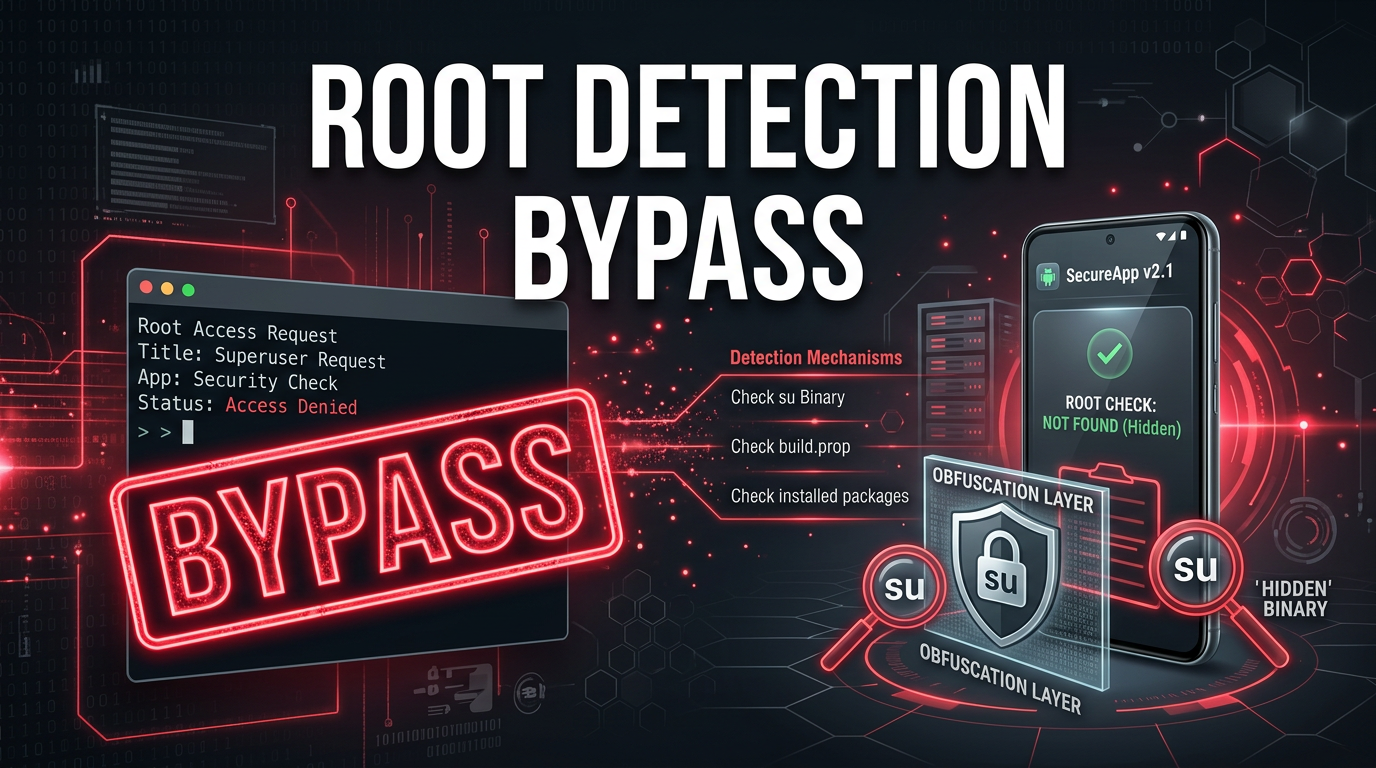
Mobile applications, particularly those handling sensitive financial data or corporate secrets, often implement security measures to ensure they are running in a "trusted" environment. One of the most common hurdles for security researchers and attackers alike is root detection. In this guide, we will explore what root detection bypass is, the technical mechanics behind it, and the various methods used to circumvent these protections.
What is Root Detection?
Root detection is a security mechanism used by Android applications to determine if the device they are running on has been "rooted." Rooting is the process of attaining privileged control (known as root access) over the Android subsystem. While rooting allows users to customize their devices and run specialized apps, it also breaks the Android security model by allowing apps to escape their sandboxes and access system-level data.
From a developer's perspective, a rooted device is a compromised device. If a banking app runs on a rooted phone, a malicious app with root privileges could theoretically scrape the screen, intercept keystrokes, or steal session tokens from the app's private storage. To mitigate this, developers implement checks to detect the presence of root binaries, superuser management apps, or custom ROM signatures.
Why Perform a Root Detection Bypass?
For a legitimate user, bypassing root detection might be necessary to use a banking or streaming app on a device they have customized. However, in the context of cybersecurity, root detection bypass is a critical step in mobile application penetration testing.
Security researchers use Jsmon to monitor external assets, but when it comes to deep-diving into a mobile binary, they must first bypass these local checks to observe how the app behaves in a controlled, rooted environment. Without bypassing these checks, the app might crash, refuse to open, or hide its most sensitive functionality, making a thorough security audit impossible.
Common Android Root Detection Methods
Before we look at how to bypass these checks, we must understand how they work. Most root detection logic looks for specific "indicators of compromise" on the filesystem or in the system state.
1. Searching for the su Binary
The most basic check involves looking for the su (superuser) binary in common system paths. If this file exists, the device is likely rooted.
public boolean checkRootMethod1() {
    String[] paths = { "/system/app/Superuser.apk", "/sbin/su", "/system/bin/su", "/system/xbin/su", "/data/local/xbin/su", "/data/local/bin/su", "/system/sd/xbin/su", "/system/bin/failsafe/su", "/data/local/su" };
    for (String path : paths) {
        if (new File(path).exists()) return true;
    }
    return false;
}
2. Checking for Installed Management Apps
Apps often query the PackageManager to see if known rooting applications like Magisk, SuperSU, or Kingroot are installed.
3. Executing Shell Commands
An app might attempt to execute the id command via Runtime.getRuntime().exec(). If the output contains uid=0(root), the app knows it has root access.
4. Checking Build Tags
Official Android builds from manufacturers are usually signed with release-keys. Custom ROMs used for rooting are often signed with test-keys. Checking the android.os.Build.TAGS property for the string "test-keys" is a common detection strategy.
How to Bypass Root Detection: Technical Methods
Bypassing root detection involves tricking the application into believing the environment is pristine. This can be done at various levels, from modifying the app's code to hooking system calls in real-time.
Method 1: Hooking with Frida (Dynamic Instrumentation)
Frida is the gold standard for dynamic instrumentation. It allows researchers to inject JavaScript into a running process and modify its behavior. Instead of changing the app's source code, we "hook" the function responsible for root detection and force it to return false.
Consider an app with a class com.example.app.SecurityUtils and a method isDeviceRooted(). We can bypass it with the following Frida script:
Java.perform(function () {
    var RootCheck = Java.use("com.example.app.SecurityUtils");

    // Overriding the isDeviceRooted method
    RootCheck.isDeviceRooted.implementation = function () {
        console.log("[+] Root check intercepted! Returning false...");
        return false;
    };
});
To run this, you would use the Frida CLI:frida -U -f com.example.app -l bypass_root.js --no-pause
Method 2: Smali Patching (Static Analysis)
If the app has anti-tamper mechanisms that detect Frida, you might need to modify the application's bytecode (Smali) directly. This involves:
- Decompiling the APK: Using
apktool d app.apk. - Locating the Logic: Searching the Smali files for strings like "su", "test-keys", or "isRooted".
- Modifying the Bytecode: Changing a conditional jump. For example, changing an
if-eqz(if equal to zero) toif-nez(if not equal to zero), or simply forcing a register to return 0.
Original Smali Snippet:
invoke-static {}, Lcom/example/app/SecurityUtils;->isDeviceRooted()Z
move-result v0
if-eqz v0, :cond_0  # If v0 is 0 (not rooted), go to cond_0
Patched Smali Snippet:
invoke-static {}, Lcom/example/app/SecurityUtils;->isDeviceRooted()Z
const/4 v0, 0x0        # Force v0 to be 0 (false)
if-eqz v0, :cond_0
- Rebuilding and Signing: Using
apktool bandjarsignerto create a new, modified APK.
Method 3: Magisk and Zygisk
Modern rooting solutions like Magisk don't just provide root; they provide "root hiding" capabilities. Magisk operates as a systemless interface. Its "DenyList" feature (and modules like Shamiko) works by ensuring that the Magisk daemon and all related files are invisible to specific processes.
When an app on the DenyList starts, Magisk uses Zygote hooking (Zygisk) to unmount root-related directories and clean up the environment for that specific process. This is often more effective than Frida because it happens at a lower level, before the app's code even begins to execute.
Advanced Challenges: SafetyNet and Play Integrity
Google introduced SafetyNet (now being replaced by the Play Integrity API) to provide a more robust hardware-backed attestation. This doesn't just check for files; it asks the Google Play Services to verify the device's bootloader status and software integrity.
Bypassing Play Integrity often requires specialized Magisk modules (like Universal SafetyNet Fix) that spoof the device's fingerprint to an older, non-hardware-backed profile, forcing the check to fall back to basic evaluation which is easier to manipulate.
The Impact of Successful Bypass
The impact of root detection bypass varies depending on who is performing it:
- For Security Researchers: It is an enabling step. It allows for intercepting HTTPS traffic (by installing custom CA certificates in the system store), dumping memory, and bypassing SSL pinning.
- For Malicious Actors: It allows malware to run undetected on high-value targets. For example, a banking trojan might bypass root detection to ensure it can use accessibility services to log credentials without the app's built-in protections triggering an alert.
- For App Developers: A successful bypass means the "trusted execution environment" is gone. Any client-side logic can be manipulated, and any data stored locally (even if encrypted, if the key is in the Keystore) may be at risk if the attacker can hook the cryptographic APIs.
How to Improve Root Detection (Developer Perspective)
If you are a developer, how do you fight back? There is no such thing as a 100% effective root detection, but you can make the attacker's job much harder:
- Obfuscation: Use ProGuard or R8, but go further with commercial obfuscators that encrypt strings and rename classes. This makes finding the
isRootedmethod a nightmare for the attacker. - Native Checks: Implement root detection in C/C++ using the JNI (Java Native Interface). Native code is harder to decompile and hook than Java/Kotlin code.
- Multi-Layered Checks: Don't rely on one method. Check for files, check for properties, and use Play Integrity API simultaneously.
- Server-Side Validation: Never trust the client. If a device fails integrity checks, limit the functionality on the server-side rather than just closing the app.
Conclusion
Root detection bypass is a cat-and-mouse game between mobile developers and security enthusiasts. While developers implement increasingly complex checks to protect their apps, tools like Frida and Magisk provide powerful ways to peel back those layers. Understanding these techniques is essential for anyone involved in mobile security, whether you are building apps or breaking them.
To proactively monitor your organization's external attack surface and catch exposures before attackers do, try Jsmon.



