What is Rails Mass Assignment? Ways to Exploit, Examples and Impact
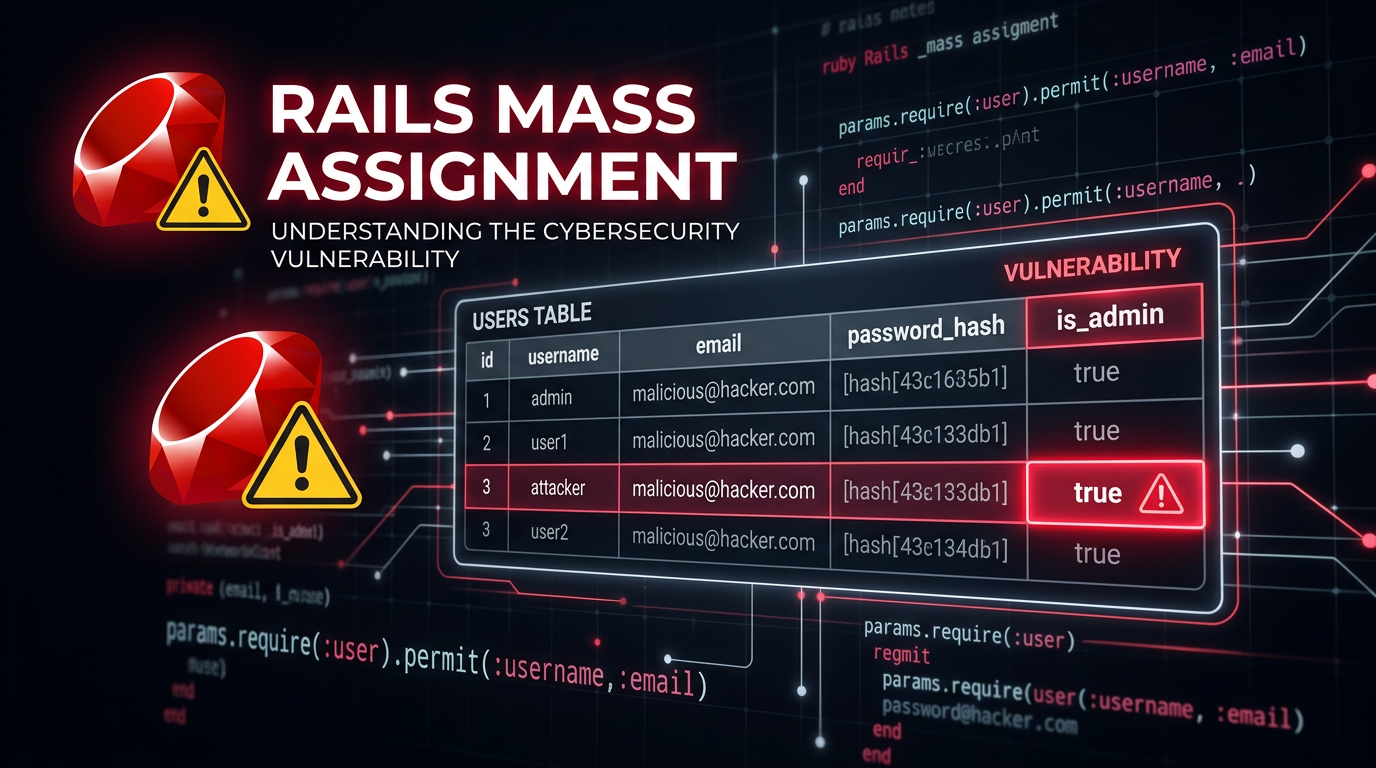
Ruby on Rails is a powerful web framework known for its "convention over configuration" philosophy, which allows developers to build complex applications rapidly. However, this same convenience can sometimes introduce significant security risks if not handled carefully. One of the most famous vulnerabilities in the Rails ecosystem is Mass Assignment. In this guide, we will explore what Mass Assignment is, how it functions technically, how attackers exploit it, and the modern ways to prevent it using Strong Parameters.
What is Mass Assignment?
Mass Assignment is a feature in many Object-Relational Mapping (ORM) frameworks, including Rails' ActiveRecord, that allows a developer to initialize or update a database record using a single hash of parameters. Instead of manually assigning each attribute one by one, you can pass an entire set of data from an HTTP request directly into a model.
For example, consider a standard user registration form. In a vulnerable version of a Rails controller, the code might look like this:
def create
  @user = User.new(params[:user])
  if @user.save
    redirect_to @user
  else
    render :new
  end
end
In this snippet, params[:user] contains all the data sent by the user's browser. If the form has fields for username and email, the params[:user] hash might look like {"username" => "alice", "email" => "alice@example.com"}. ActiveRecord then automatically maps these keys to the corresponding columns in the users table. While this is efficient, it creates a massive security hole: an attacker can send additional parameters that the developer never intended to be user-modifiable.
The History: The 2012 GitHub Incident
You cannot discuss Rails Mass Assignment without mentioning the 2012 GitHub security breach. A developer named Egor Homakov discovered that he could modify his public SSH keys on GitHub by exploiting a Mass Assignment vulnerability. He realized that while the UI only showed certain fields, the backend was accepting any parameter he threw at it. To prove the point, he submitted a pull request to the Ruby on Rails repository itself, using Mass Assignment to grant himself administrative rights to the project. This event forced the Rails core team to change how the framework handles parameter security, moving from a model-level approach to a controller-level approach known as Strong Parameters.
Technical Deep Dive: How the Vulnerability Works
To understand the exploit, we need to look at how Rails handles incoming data. When a user submits a POST request, the data is parsed into a params hash. In older versions of Rails (prior to version 4), or in modern applications where developers bypass security defaults, the application might trust this hash implicitly.
The Vulnerable Model
Imagine a User model with the following attributes:
username(string)email(string)password(string)is_admin(boolean)
The is_admin flag is meant to be set only by existing administrators through a special dashboard. However, if the create or update actions in the controller use Mass Assignment without filtering, an attacker can simply append user[is_admin]=1 to their request.
The Attack Vector
An attacker captures the registration request using a proxy tool like Burp Suite or even the browser's developer tools. The original request might look like this:
POST /users HTTP/1.1
Host: example.com
Content-Type: application/x-www-form-urlencoded

user[username]=attacker&user[email]=attacker@example.com&user[password]=password123
The attacker modifies the payload to include the sensitive field:
POST /users HTTP/1.1
Host: example.com
Content-Type: application/x-www-form-urlencoded

user[username]=attacker&user[email]=attacker@example.com&user[password]=password123&user[is_admin]=true
When the Rails server receives this, ActiveRecord sees the is_admin key and, because it matches a column name in the database, it updates the record accordingly. The attacker is now an administrator.
Identifying Mass Assignment Vulnerabilities
For security researchers and penetration testers, finding Mass Assignment usually involves "parameter guessing" or "parameter pollution." Here are common steps used to identify the flaw:
- Analyze the Model: Look for fields that should logically be protected, such as
role,admin,balance,owner_id, orverifiedstatus. - Inspect the Traffic: Capture a legitimate request and look at the naming convention (e.g.,
user[name]). - Fuzzing: Add common administrative field names to the request. Tools like Jsmon can help in the reconnaissance phase by identifying endpoints and infrastructure where these applications reside.
- Observe the Response: If the application returns a JSON representation of the object after an update, check if the injected field was successfully changed.
Beyond Simple Booleans: Complex Exploits
Mass Assignment isn't limited to just setting a true or false flag. It can be used for more complex attacks:
1. Account Takeover via Email Modification
In some applications, the update profile action might allow Mass Assignment. An attacker could change their email address to that of a target user if the application uses the email as a primary identifier in a way that bypasses standard logic.
2. Bypassing Payment Logic
In an e-commerce context, a Order model might have a total_price field. If the checkout process allows Mass Assignment on the Order object, an attacker could set the price of a $1,000 item to $0.01.
3. Modifying Foreign Keys
If a model has a company_id or account_id, an attacker might change this value to associate their user account with a different organization, potentially gaining access to private data belonging to another company.
The Solution: Strong Parameters
In modern Rails (version 4 and above), the framework introduced Strong Parameters. This shifts the responsibility of data filtering from the Model to the Controller. It requires developers to explicitly define which parameters are allowed to be used for Mass Assignment.
Secure Controller Example
Here is how the same create action should be written using Strong Parameters:
class UsersController < ApplicationController
  def create
    @user = User.new(user_params)
    if @user.save
      redirect_to @user
    else
      render :new
    end
  end

  private

  def user_params
    # Only allow username, email, and password to be passed through
    params.require(:user).permit(:username, :email, :password)
  end
end
In this example, even if an attacker sends user[is_admin]=true, the .permit() method will strip it out before the data ever reaches the User.new call. This is a "deny-by-default" approach, which is a fundamental principle of secure coding.
Using permit! (The Danger Zone)
Rails provides a method called permit! which marks the entire hash of parameters as allowed. Using this essentially disables the protections of Strong Parameters and re-introduces the Mass Assignment vulnerability.
# DANGEROUS: This permits everything and creates a vulnerability
params.require(:user).permit!
Developers sometimes use this during debugging or for complex nested forms, but it should never be used in production code where the input is user-controlled.
Impact of Mass Assignment
The impact of a successful Mass Assignment exploit ranges from minor data corruption to full system compromise. Key impacts include:
- Privilege Escalation: As seen in the GitHub example, users can grant themselves administrative rights.
- Unauthorized Data Access: By changing foreign keys, users can view or modify data belonging to other users.
- Financial Loss: Manipulating prices, discount codes, or balance fields in fintech or e-commerce apps.
- Data Integrity Issues: Attackers can bypass business logic and state machines (e.g., moving an order from "pending" to "shipped" without payment).
Best Practices for Developers
To ensure your Rails application is resilient against Mass Assignment, follow these guidelines:
- Always use Strong Parameters: Never pass
params[:model]directly to a create or update method. - Be Specific with
.permit(): List every single field explicitly. Avoid using.permit!. - Use Different Parameter Sets for Different Roles: If an administrator is updating a user, you might have an
admin_user_paramsmethod that permits therolefield, while the standarduser_paramsfor the user's own profile does not. - Audit Legacy Code: If you are working on an older Rails 3 application, ensure you are using
attr_accessibleorattr_protectedin the models, though upgrading to a modern version of Rails is the best security path. - Automated Scanning: Use static analysis security testing (SAST) tools like Brakeman, which specifically look for Mass Assignment and other Rails-specific vulnerabilities.
Conclusion
Mass Assignment is a classic example of how a feature designed for developer productivity can become a dangerous liability if not implemented with security in mind. While Rails has made great strides in making applications "secure by default" with the introduction of Strong Parameters, the vulnerability still appears today due to developer oversight or the misuse of methods like permit!.
Understanding the mechanics of this flaw is essential for both developers building applications and security professionals auditing them. By enforcing strict allow-lists for user input, you can enjoy the speed of the Rails framework without leaving the door open for attackers.
To proactively monitor your organization's external attack surface and catch exposures before attackers do, try Jsmon.



