What is Metadata (EXIF) Geolocation Leakage? Ways to Exploit, Examples and Impact
Learn how EXIF metadata leaks GPS data. Explore extraction tools like ExifTool and Python, real-world examples, and mitigation strategies for security.
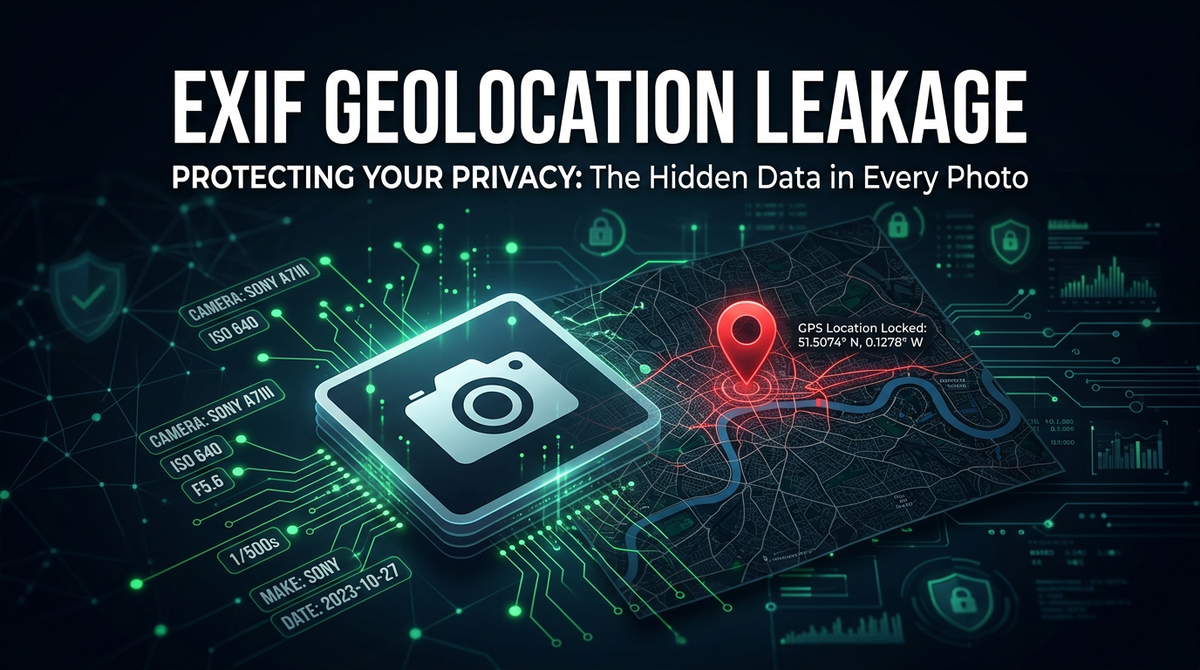
When you snap a photo with your smartphone or digital camera, you are capturing much more than just a visual moment. Beneath the pixels lies a hidden layer of information known as metadata. While metadata serves a technical purpose, it often contains sensitive details, such as the exact GPS coordinates of where the photo was taken. This phenomenon, known as EXIF geolocation leakage, represents a significant privacy and security risk that is frequently overlooked by both individuals and organizations. In this guide, we will explore the technical mechanics of EXIF data, how it can be exploited by attackers, and the steps you can take to mitigate this exposure.
Understanding EXIF Metadata
EXIF, which stands for Exchangeable Image File Format, is a standard that specifies the formats for images, sound, and ancillary tags used by digital cameras and other systems handling image and sound files. It was established to help devices communicate technical information about how a media file was created. When an image is captured, the device embeds various data points into the file header.
Common metadata points include the camera model, shutter speed, aperture, ISO settings, and the date and time of the capture. However, for modern devices equipped with GPS sensors, the most sensitive piece of information is the geolocation data. This data is stored in the TIFF (Tagged Image File Format) structure within the JPEG file. Because these tags are standardized, any software that understands the EXIF format can read this information, regardless of the device that produced it.
The Anatomy of an EXIF Header
To understand how this data is stored, we need to look at the structure of a JPEG file. A JPEG file consists of a sequence of segments, each starting with a marker. A marker is a two-byte code starting with 0xFF. The EXIF data is typically stored in the APP1 marker (0xFFE1). Within this segment, the data is organized using the TIFF specification, which utilizes Image File Directories (IFDs).
There are specific IFDs dedicated to GPS information. These tags include:
- GPSLatitudeRef: Indicates whether the latitude is North or South.
- GPSLatitude: The actual latitude coordinates.
- GPSLongitudeRef: Indicates whether the longitude is East or West.
- GPSLongitude: The actual longitude coordinates.
- GPSTimeStamp: The precise time the GPS signal was received.
For a security professional, knowing that this data resides in a standardized header means that extraction is trivial. If an application allows users to upload images—such as profile pictures, forum posts, or support tickets—without stripping this metadata, it is effectively leaking the physical location of its users to anyone who can download the image.
How Geolocation Data is Stored
Geolocation data in EXIF is not always stored as a simple decimal (e.g., 40.7128). Instead, it is often stored as rational numbers representing degrees, minutes, and seconds (DMS). For example, a latitude might be stored as three rational numbers: 40/1, 42/1, and 46/1, representing 40 degrees, 42 minutes, and 46 seconds.
When a reconnaissance tool or an attacker's script parses this data, it must convert these rational numbers into a format usable by mapping services like Google Maps. This conversion process is standard in most OSINT (Open Source Intelligence) tools. The vulnerability exists because many web developers assume that an image file is just an image, forgetting that it is a complex container of structured data. Organizations using Jsmon often realize that their external attack surface includes various legacy web applications that still accept and serve these unscrubbed files.
Tools and Techniques for Extraction
Extracting EXIF data is a fundamental skill in digital forensics and OSINT. There are several tools ranging from simple command-line utilities to complex Python libraries that can automate this process.
Using ExifTool for Forensic Analysis
Perhaps the most famous tool for this task is ExifTool, written by Phil Harvey. It is a cross-platform command-line application that can read, write, and edit meta information in a wide variety of files.
To view all metadata in an image, you would run:
exiftool image.jpg
To specifically target geolocation data and output it in a readable format, you can use:
exiftool -gpslatitude -gpslongitude -gpsposition image.jpg
If the image contains GPS data, the output will look something like this:
GPS Latitude                    : 34 deg 3' 8.12" N
GPS Longitude                   : 118 deg 14' 37.26" W
GPS Position                    : 34 deg 3' 8.12" N, 118 deg 14' 37.26" W
An attacker can then take these coordinates and paste them directly into a map to find the exact street address where the photo was taken.
Automating Extraction with Python
For security researchers looking to scan large numbers of files, automation is key. The Python library Pillow (PIL) provides a straightforward way to access EXIF data. Below is a technical example of how to extract GPS coordinates using Python:
from PIL import Image
from PIL.ExifTags import TAGS, GPSTAGS

def get_exif_data(image_path):
    image = Image.open(image_path)
    exif_data = image._getexif()
    if not exif_data:
        return None

    decoded_data = {}
    for tag, value in exif_data.items():
        decoded_tag = TAGS.get(tag, tag)
        if decoded_tag == "GPSInfo":
            gps_data = {}
            for t in value:
                sub_tag = GPSTAGS.get(t, t)
                gps_data[sub_tag] = value[t]
            decoded_data[decoded_tag] = gps_data
        else:
            decoded_data[decoded_tag] = value
    return decoded_data

# Usage
metadata = get_exif_data("vacation_photo.jpg")
if metadata and "GPSInfo" in metadata:
    print(f"Found GPS Data: {metadata['GPSInfo']}")
This script demonstrates how easily a developer or an attacker can programmatically scrape location data from thousands of images in seconds.
The Impact of Metadata Leakage
The impact of EXIF leakage ranges from individual privacy violations to corporate security breaches. In the context of a penetration test or a real-world attack, this data is gold for the reconnaissance phase.
Real-World Example: The John McAfee Incident
One of the most famous examples of EXIF geolocation leakage involved John McAfee, the founder of McAfee Antivirus. While he was a fugitive in 2012, a journalist from Vice took a photo of him and posted it online. Although the journalist likely didn't intend to reveal McAfee's location, the photo contained EXIF metadata that pointed directly to a location in Guatemala. Authorities used this metadata to track him down. This case serves as a stark reminder that even tech-savvy individuals can fall victim to metadata leakage if they aren't diligent about their digital footprint.
Impact on Corporate Security
For corporations, the risks are more systemic. Consider a scenario where an employee takes a photo of their new badge or their workstation and posts it on social media. If the photo contains EXIF data, an attacker can determine:
- The exact office location (if the company has multiple branches).
- The floor or specific room (via altitude or signal strength tags in some cases).
- The internal hardware and software versions being used, based on camera software tags.
Furthermore, attackers can use Jsmon to find forgotten subdomains or staging servers where developers might have uploaded test images that still contain sensitive metadata. This information helps attackers build a physical and digital profile of the target organization.
Exploitation in Cybersecurity and OSINT
In the world of OSINT, metadata is a primary source of intelligence. Investigators use it to verify the authenticity of a source or to timeline a series of events. However, in the hands of a malicious actor, this information is used for "doxing" or physical stalking.
In bug bounty programs, finding EXIF data on a platform that handles sensitive user information is often classified as a valid vulnerability. While usually rated as a Low (P4) or Medium (P3) severity, it can be escalated if the leaked data belongs to protected individuals or if the application is specifically marketed as a "private" or "anonymous" service.
Prevention and Mitigation Strategies
Preventing EXIF leakage requires a multi-layered approach involving both user education and technical controls.
Server-Side Processing
The most effective way for organizations to protect their users is to strip metadata on the server side immediately after an image is uploaded. This ensures that even if a user forgets to disable GPS on their phone, the sensitive data never reaches other users or the public internet.
Using a tool like ImageMagick, you can strip all metadata with a single command:
mogrify -strip image.jpg
In a web application environment, you can use libraries like sharp for Node.js or bleach for Python to sanitize images. For example, in a Node.js environment using sharp:
const sharp = require('sharp');

sharp('input.jpg')
  .toFile('output.jpg', (err, info) => {
    // The output.jpg will have all metadata stripped by default
    // unless explicitly told to keep it.
  });
Client-Side Prevention
Individuals can take steps to limit the data their devices record. Most modern smartphones allow you to disable location services for the camera app.
- On iOS: Go to Settings > Privacy > Location Services > Camera and select "Never."
- On Android: Open the Camera app, go to Settings, and toggle off "Save location" or "Location tags."
Additionally, there are many mobile apps and desktop utilities designed specifically to "clean" photos before they are shared on social media.
Conclusion
Metadata (EXIF) geolocation leakage is a silent but potent threat in the modern digital landscape. While the EXIF standard provides valuable technical data for photographers, the inclusion of GPS coordinates transforms a simple image into a tracking beacon. From high-profile arrests to corporate espionage, the real-world impacts of this leakage are well-documented. By understanding the underlying structure of image files and implementing automated stripping processes, developers and security professionals can significantly reduce the risk of location exposure.
To proactively monitor your organization's external attack surface and catch exposures like leaked metadata before attackers do, try Jsmon.



