What is Laravel Debug Mode Exposure? Ways to Exploit, Examples and Impact
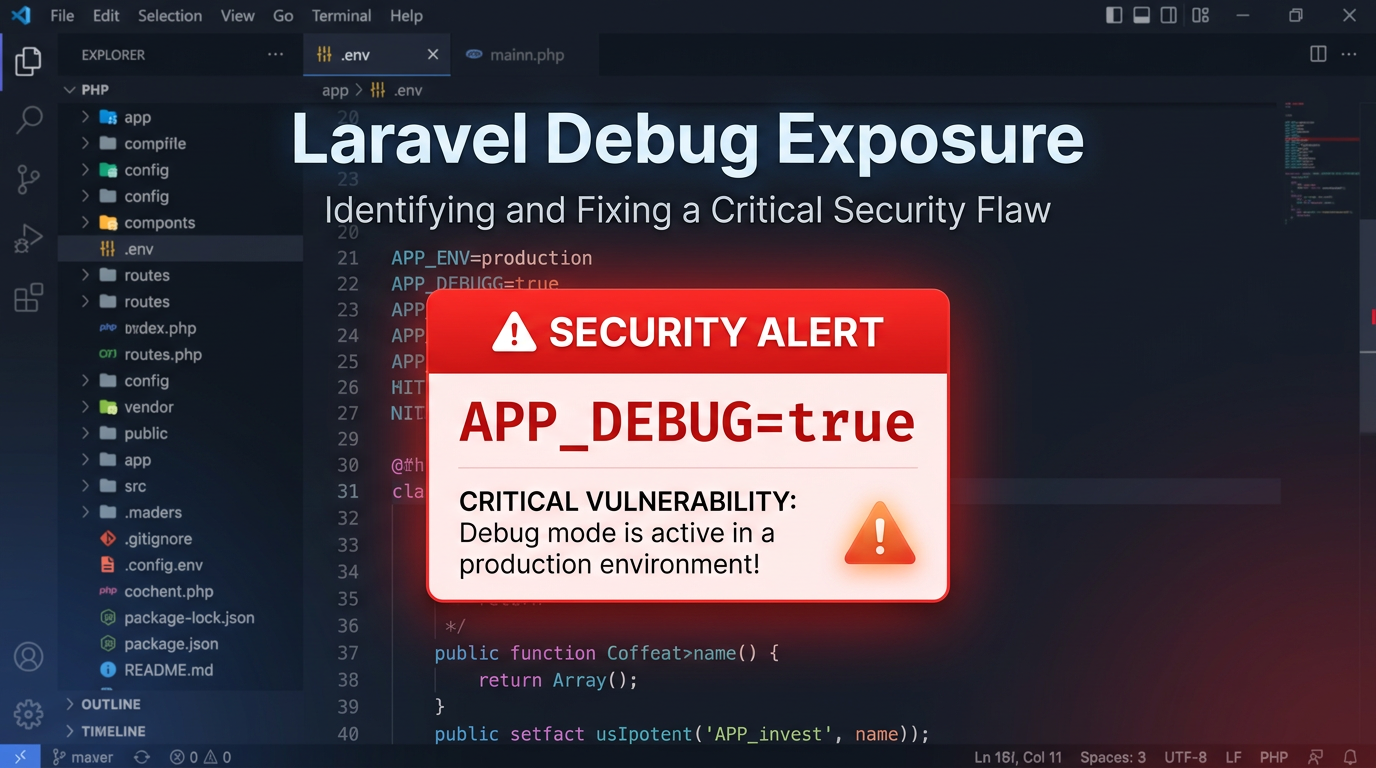
When a developer builds a web application using the Laravel framework, one of the most useful tools at their disposal is "Debug Mode." It provides detailed error messages, stack traces, and environment information that make troubleshooting a breeze. However, when this feature is accidentally left enabled in a production environment, it transforms from a helpful assistant into one of the most dangerous security vulnerabilities a web application can face. This blog post explores what Laravel Debug Mode exposure is, why it is so risky, how attackers exploit it, and how you can protect your infrastructure.
Understanding Laravel and Debug Mode
Laravel is a robust, open-source PHP web framework designed for the development of web applications following the model–view–controller (MVC) architectural pattern. It is known for its elegant syntax and extensive ecosystem. To help developers during the development lifecycle, Laravel includes a configuration setting called APP_DEBUG.
In the root directory of a Laravel project, there is a file named .env. This file contains environment-specific variables. The APP_DEBUG variable is a boolean value (true or false). When set to true, Laravel uses a sophisticated error handling library—most recently "Ignition" by Facade—to display rich, interactive error pages whenever an exception occurs. These pages include the specific line of code that failed, the local variables at the time of the crash, the operating system version, the PHP version, and, most critically, the contents of the .env file.
Why Debug Mode Exposure Happens
Despite the clear warnings in the Laravel documentation, debug mode exposure remains a common issue. It usually happens due to one of the following reasons:
- Deployment Oversight: A developer might forget to change
APP_DEBUG=truetofalsebefore pushing code to a live server. - Configuration Drift: Automated deployment scripts might fail to overwrite the development
.envfile with the production version. - Lack of Awareness: Beginners may not realize that the pretty error pages they see locally are also visible to anyone on the internet if the site crashes in production.
The Anatomy of a Laravel Error Page
When APP_DEBUG is enabled, an error page (Ignition) provides a wealth of information. To a security researcher or an attacker, this page is a goldmine. It typically contains several tabs:
- Stack Trace: Shows the exact path of the files involved in the execution leading up to the error.
- Request: Displays headers, cookies, and session data.
- App: Shows Laravel-specific configurations.
- User: If the user is logged in, it may show their details.
- Context: Displays environment variables.
The Danger of Environment Variables
The "Context" or "Environment" tab is particularly lethal. It often exposes the entire .env file. This file usually contains:
DB_PASSWORD: The password for the production database.APP_KEY: The encryption key used for cookies and other sensitive data.AWS_SECRET_ACCESS_KEY: Credentials for Amazon Web Services.MAIL_PASSWORD: Credentials for the company’s email server.STRIPE_SECRET: API keys for payment processing.
How Attackers Exploit Laravel Debug Mode
Exploitation generally follows a two-step process: Information Gathering and Active Exploitation.
1. Information Gathering and Sensitive Data Extraction
An attacker doesn't always need a complex exploit to cause damage. By simply navigating to a non-existent route or triggering a 500 error (for example, by sending an array where a string is expected in a GET parameter), the attacker can force the debug page to appear.
Once the page is visible, they can scrape the DB_PASSWORD. If the database server is accessible from the internet (which it shouldn't be, but often is), the attacker now has full access to all user data. If they find AWS keys, they might be able to spin up expensive resources for crypto-mining or steal data from S3 buckets.
2. Remote Code Execution (RCE) via Ignition (CVE-2021-3129)
The most severe risk of Laravel Debug Mode exposure is Remote Code Execution. In 2021, a major vulnerability was discovered in the Ignition error handler (versions prior to 2.5.2). This vulnerability, tracked as CVE-2021-3129, allows an unauthenticated attacker to execute arbitrary code on the server.
The vulnerability exists because Ignition provides a feature called "solutions." If you have a typo in your code, Ignition suggests a fix. Some of these fixes can be executed automatically by clicking a button on the error page. This functionality relies on an endpoint at /_ignition/execute-solution.
An attacker can craft a malicious request to this endpoint. By leveraging PHP's php://filter wrapper and a technique called "log poisoning," the attacker can trick the application into converting the Laravel log file into a valid PHAR (PHP Archive) file and then deserializing it to trigger code execution.
Example Payload for CVE-2021-3129
While a full exploit involves multiple steps to clear the log file and inject the payload, a simplified conceptual request to the vulnerable endpoint looks like this:
POST /_ignition/execute-solution HTTP/1.1
Host: vulnerable-laravel-site.com
Content-Type: application/json

{
  "solution": "Facade\\Ignition\\Solutions\\MakeViewVariableOptionalSolution",
  "parameters": {
    "variableName": "username",
    "viewFile": "php://filter/write=convert.quoted-printable-decode|convert.iconv.utf-16le.utf-8|convert.base64-decode/resource=../storage/logs/laravel.log"
  }
}
By chaining these filters, the attacker can write a web shell into the filesystem and then execute commands like whoami or ls -la to gain full control over the server.
Real-World Impact of Exposure
The impact of leaving debug mode on is almost always "Critical."
- Full Database Compromise: With leaked credentials, attackers can dump user tables, including hashed passwords and personal information (PII), leading to GDPR violations and massive fines.
- Full Server Takeover: Via RCE, the attacker can install backdoors, use the server as a botnet node, or pivot into the internal network.
- Financial Loss: Access to Stripe or PayPal keys allows for fraudulent transactions or the redirection of funds.
- Reputational Damage: Customers lose trust in a brand that cannot secure its basic configuration files.
How to Detect Laravel Debug Mode Exposure
Detection is straightforward. You can manually check by attempting to trigger an error. For example, visiting https://example.com/index.php/non-existent-path might trigger the Ignition page if debug mode is on.
For security professionals managing hundreds of assets, manual checking is impossible. Automated tools and reconnaissance platforms are essential. You can use search engines like Shodan or Censys to find servers where the page title matches "Laravel" and contains strings like "Environment & Config."
How to Prevent Laravel Debug Mode Exposure
Securing your Laravel application requires a multi-layered approach to configuration management.
1. Set APP_DEBUG to False
In your production .env file, ensure the following settings are active:
APP_ENV=production
APP_DEBUG=false
When APP_DEBUG is false, Laravel will show a generic "500 | Server Error" page without any sensitive details.
2. Use Environment Variables Correctly
Never hardcode sensitive credentials in your code. Always use the .env file and ensure that the .env file itself is never committed to version control (it should be in your .gitignore).
3. CI/CD Pipeline Checks
Incorporate a step in your deployment pipeline that greps for APP_DEBUG=true. If it is found in a production-bound branch, the build should fail automatically.
4. Web Server Configuration
Ensure your web server (Nginx or Apache) is configured to deny access to hidden files like .env. While Laravel's public folder structure usually prevents this, a misconfigured server might serve the .env file directly if requested at https://example.com/.env.
Example Nginx configuration to block .env access:
location ~ /\.env {
    deny all;
}
5. Update Dependencies
Always keep your Laravel version and its dependencies (like Ignition) up to date. The RCE vulnerability mentioned earlier was patched years ago, but many legacy systems remain unpatched and vulnerable.
Conclusion
Laravel Debug Mode is a powerful development feature that becomes a liability the moment an application goes live. The exposure of environment variables and the potential for Remote Code Execution make it a high-priority target for attackers. By following best practices—setting APP_DEBUG=false, securing your server configuration, and using automated monitoring—you can ensure that your application remains functional for users without being an open book for hackers.
To proactively monitor your organization's external attack surface for exposed debug modes and sensitive environment files before attackers do, try Jsmon.



