What is Insecure Data Storage in Mobile? Ways to Exploit, Examples and Impact
Learn how to identify, exploit, and prevent insecure data storage in mobile apps. A technical guide for Android and iOS security beginners.
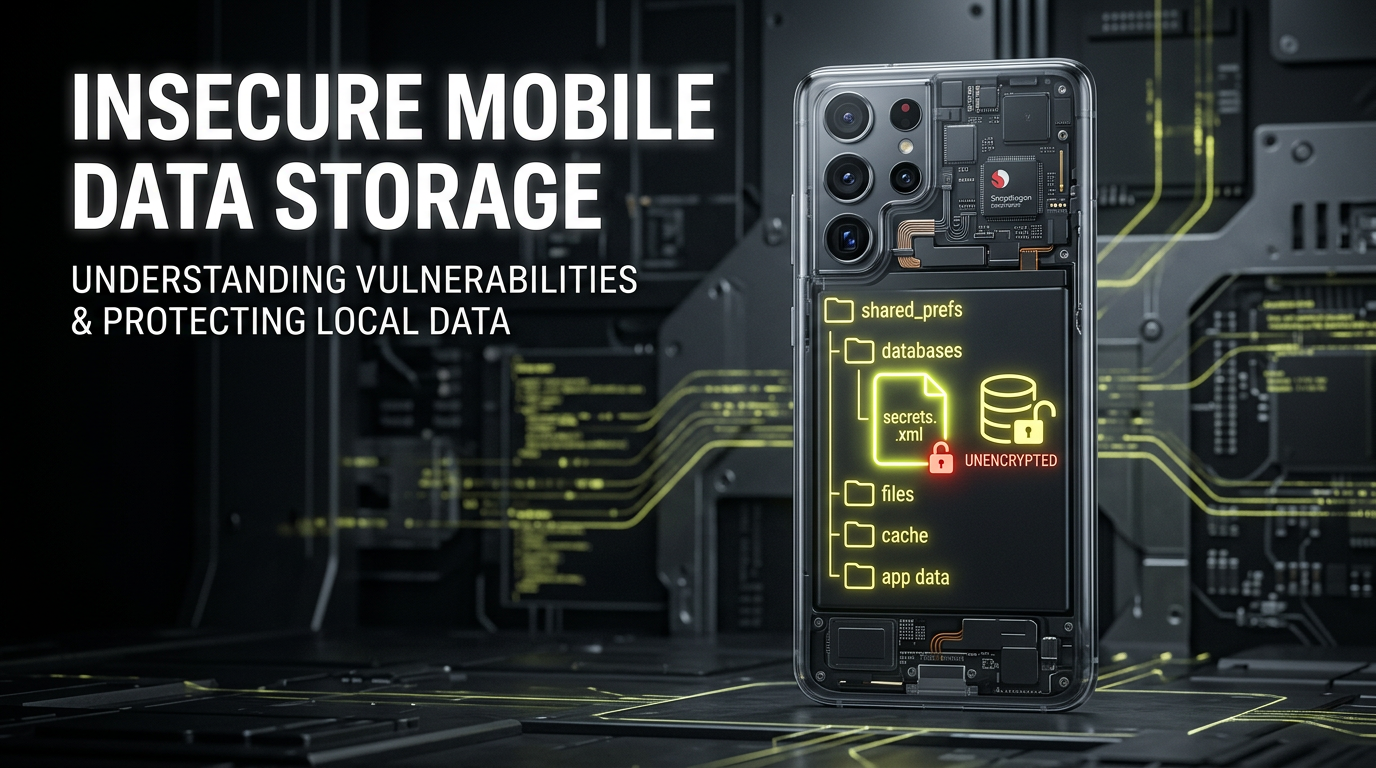
Mobile applications have become the central hub for our personal and professional lives, handling everything from banking details to private conversations. However, the convenience of mobile apps often comes at a cost: security. One of the most prevalent vulnerabilities in the mobile ecosystem is Insecure Data Storage. This occurs when sensitive information is stored on the device in a way that can be easily accessed by unauthorized users or malicious applications. In this guide, we will dive deep into what insecure data storage is, how attackers exploit it, and how developers can build more resilient applications.
What is Insecure Data Storage?
Insecure data storage is categorized by OWASP as M2 in the Mobile Top 10 risks. It refers to a scenario where an application stores sensitive data—such as usernames, passwords, session tokens, personally identifiable information (PII), or API keys—on the local file system without adequate protection. While mobile operating systems like Android and iOS use a "sandboxing" mechanism to isolate app data, this boundary is not impenetrable. If a device is rooted or jailbroken, or if an attacker gains physical access, the sandbox can be bypassed, exposing every file the application has written to the disk.
For a beginner, it is important to understand that "local storage" isn't just one place. It includes various locations such as XML files, SQLite databases, binary stores, and even system logs. When a developer assumes that the local storage is inherently safe because of the OS-level permissions, they create a significant security gap.
Common Locations of Insecure Data
To understand how to protect data, we must first identify where it lives. On both Android and iOS, there are specific directories and files where applications typically persist data.
1. Shared Preferences (Android) and User Defaults (iOS)
These are simple key-value pair stores used for saving application settings. In Android, these are stored as XML files in the /data/data/<package_name>/shared_prefs/ directory. In iOS, these are stored in .plist files within the app's Library folder. Because these files are often stored in plaintext, they are the first place an attacker looks for session tokens or configuration secrets.
2. SQLite Databases
Most mobile apps use SQLite to manage structured data. By default, these databases are not encrypted. If an application stores a user's transaction history or private messages in an unencrypted SQLite database, anyone with access to the file system can read the entire database using standard tools.
3. Internal and External Storage
Android distinguishes between internal storage (private to the app) and external storage (SD cards or shared public folders). Storing sensitive data on external storage is a critical error because any application with the READ_EXTERNAL_STORAGE permission can access those files. Even internal storage, while restricted, is vulnerable on compromised devices.
4. System Logs (Logcat)
Developers often use logging to debug applications. However, if these logs are not disabled in the production version, they may leak sensitive data. An attacker can use the adb logcat command to monitor real-time data flow, which might include authentication headers or sensitive user input.
How to Exploit Insecure Data Storage
Exploiting insecure data storage usually requires access to the device's file system. This can be achieved through physical access, a rooted/jailbroken environment, or by exploiting other vulnerabilities like backup misconfigurations.
Step 1: Accessing the Device via ADB
On Android, the Android Debug Bridge (ADB) is the primary tool for exploration. Once a device is connected and debugging is enabled, an attacker can enter the shell:
adb shell
If the device is rooted, the attacker can switch to the root user to bypass all permission checks:
su
Step 2: Navigating to the App Directory
Every Android app has a dedicated data directory located at /data/data/<package_name>/. Let's navigate to a hypothetical vulnerable app:
cd /data/data/com.vulnerable.bankapp/shared_prefs/
ls
Step 3: Inspecting the Files
If the attacker finds a file named UserSession.xml, they can simply read its contents:
cat UserSession.xml
Example Vulnerable Output:
<?xml version='1.0' encoding='utf-8' standalone='yes' ?>
<map>
    <string name="auth_token">eyJhbGciOiJIUzI1NiIsInR5cCI6IkpXVCJ9...</string>
    <string name="user_id">admin_user_01</string>
    <boolean name="is_logged_in" value="true" />
</map>
In this case, the auth_token is stored in plaintext. An attacker can copy this token and use it to impersonate the user on the web version of the application.
Step 4: Querying SQLite Databases
If the application stores data in a database, the attacker can pull the file to their local machine or use the sqlite3 command-line tool directly on the device:
cd ../databases/
sqlite3 user_data.db
sqlite> .tables
sqlite> SELECT * FROM users;
If the database contains unencrypted PII, the data is immediately compromised.
Real-World Examples and Scenarios
Scenario A: Hardcoded API Keys in Binary
Sometimes data isn't just stored in files; it's hardcoded into the application's code. By using a tool like strings on the application's APK or IPA file, an attacker can find sensitive strings:
strings base.apk | grep "API_KEY"
If the developer stored a third-party service key (like a Google Maps or Stripe key) inside the code, it can be extracted and abused.
Scenario B: Keyboard Cache and Auto-fill
Mobile operating systems often cache what a user types to improve the auto-correct experience. If a developer does not explicitly mark a sensitive input field (like a password or credit card number) as sensitive, the OS might store that data in a cache file. An attacker can later retrieve these keystrokes from the system's keyboard cache directory.
The Impact of Insecure Data Storage
The consequences of this vulnerability are far-reaching and can be devastating for both users and organizations:
- Identity Theft: If PII such as social security numbers or addresses are leaked, users are at risk of identity fraud.
- Account Takeover: Leaked session tokens or credentials allow attackers to gain full access to user accounts without needing a password.
- Financial Loss: For banking and fintech apps, insecure storage can lead to unauthorized transactions or the exposure of credit card data.
- Reputational Damage: Organizations that fail to protect user data face massive public backlash, loss of trust, and potential legal action under regulations like GDPR or CCPA.
- Intellectual Property Theft: If proprietary algorithms or keys are stored insecurely, competitors or malicious actors can steal the company's core technology.
How to Prevent Insecure Data Storage
Securing data on mobile devices requires a multi-layered approach. Developers should never rely on the operating system's sandbox as the sole line of defense.
1. Use Secure Storage APIs
Both Android and iOS provide specialized APIs for storing sensitive data securely.
- Android: Use the
EncryptedSharedPreferencesclass from the Jetpack Security library. This automatically encrypts keys and values. - iOS: Use the Keychain. The Keychain is a secure database that encrypts data before saving it to the disk and is designed specifically for small bits of sensitive information like passwords.
Example: Implementing EncryptedSharedPreferences in Kotlin
val masterKeyAlias = MasterKeys.getOrCreate(MasterKeys.AES256_GCM_SPEC)

val sharedPreferences = EncryptedSharedPreferences.create(
    "secure_prefs",
    masterKeyAlias,
    context,
    EncryptedSharedPreferences.PrefKeyEncryptionScheme.AES256_SIV,
    EncryptedSharedPreferences.PrefValueEncryptionScheme.AES256_GCM
)

// Saving data securely
sharedPreferences.edit().putString("auth_token", "secure_token_here").apply()
2. Encrypt Databases
If you must store large amounts of sensitive data in a database, use an encrypted SQLite wrapper like SQLCipher. This ensures that the entire database file is encrypted with AES-256, making it unreadable without the correct key.
3. Avoid Storing Sensitive Data Locally
The best way to secure data is to not store it at all. Whenever possible, keep sensitive information on the server and only fetch it when needed. If you must cache data, ensure it has a short TTL (Time to Live) and is cleared when the user logs out.
4. Disable Debug Logging
Ensure that all Log.d(), Log.i(), and print() statements are removed or disabled in production builds. You can use ProGuard or R8 rules to automatically strip logging code during the build process:
-assumenosideeffects class android.util.Log {
    public static *** d(...);
    public static *** v(...);
}
5. Use the Android Keystore and iOS Secure Enclave
For cryptographic keys, use hardware-backed storage. The Android Keystore system and the iOS Secure Enclave allow you to perform cryptographic operations without the private keys ever leaving the secure hardware environment.
Conclusion
Insecure data storage is a low-hanging fruit for attackers but a significant risk for mobile application developers. By understanding the common pitfalls—such as relying on plaintext XMLs or unencrypted databases—and adopting secure coding practices like using the Keychain or EncryptedSharedPreferences, you can drastically reduce the attack surface of your application. Remember, security is a continuous process, not a one-time setup. Regularly auditing your application's storage patterns and staying updated with the latest security libraries is essential in today's threat landscape.
To proactively monitor your organization's external attack surface and catch exposures before attackers do, try Jsmon.



