What is GraphQL Introspection Vulnerability? Ways to Exploit, Examples and Impact
Understand GraphQL introspection risks, exploitation techniques, and mitigation steps. Secure your API schema from information disclosure today.
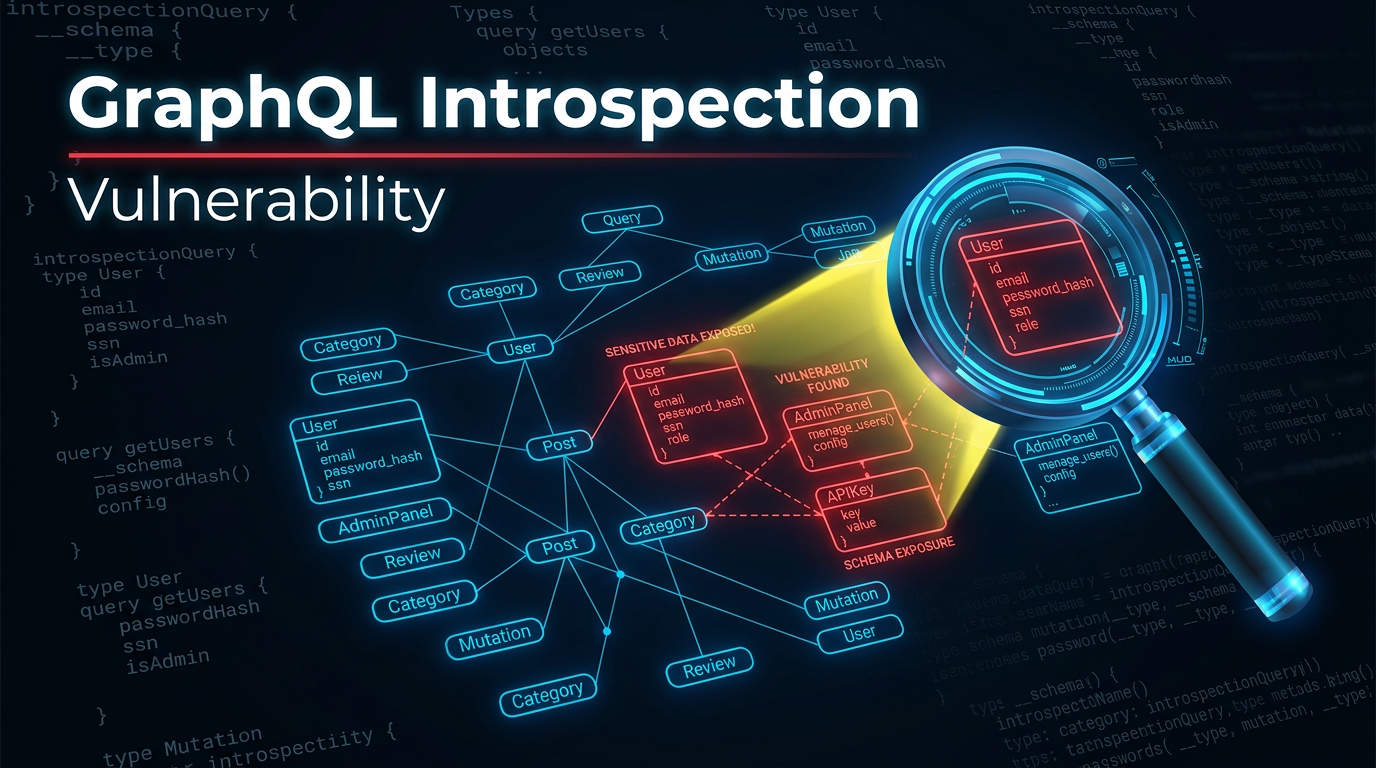
GraphQL has revolutionized the way developers build APIs by allowing clients to request exactly the data they need and nothing more. However, this flexibility comes with a unique set of security challenges. One of the most common and critical misconfigurations in GraphQL environments is the Introspection vulnerability. While it is technically a feature designed to assist developers, when left enabled in a production environment, it becomes a blueprint for attackers to map out your entire database schema and logic.
In this guide, we will dive deep into what GraphQL introspection is, why it is considered a vulnerability in certain contexts, how to exploit it with practical examples, and most importantly, how to secure your infrastructure against it.
What is GraphQL?
Before we can understand the vulnerability, we must understand the technology. GraphQL is a query language for APIs and a runtime for fulfilling those queries with your existing data. Unlike traditional REST APIs, which have multiple endpoints (e.g., /api/users, /api/products), GraphQL typically uses a single endpoint (e.g., /graphql).
Clients send a POST request to this endpoint containing a query string that defines the structure of the data they want back. This prevents "over-fetching" (getting more data than needed) and "under-fetching" (not getting enough data in one request). To make this work, GraphQL uses a strongly typed schema that defines all the possible data types, fields, and relationships available in the API.
Understanding GraphQL Introspection
Introspection is a built-in feature of GraphQL that allows a client to query the server for information about its schema. Think of it as a "self-documenting" feature. By sending a specific query to the __schema meta-field, a developer can retrieve a list of all types, queries, mutations, subscriptions, and directives supported by the server.
For example, a developer might use introspection to populate an Integrated Development Environment (IDE) like GraphiQL or Apollo Studio with auto-complete suggestions. It is incredibly useful during the development phase because it eliminates the need for manual documentation updates.
The Introspection Query Structure
A basic introspection query looks like this:
{
  __schema {
    types {
      name
      kind
      description
    }
  }
}
The server responds with a JSON object containing every type defined in the system, such as User, Admin, Product, and PaymentRecord. This is where the security risk begins.
What is GraphQL Introspection Vulnerability?
An introspection vulnerability occurs when the introspection feature is left enabled on a production-facing API without proper access controls. While not a "bug" in the code, it is a significant security misconfiguration.
In the hands of an attacker, introspection acts as a comprehensive map of your backend. It reveals:
- All available queries and mutations: Attackers can see every action they can perform.
- Sensitive fields: It might reveal fields like
password_hash,is_admin,ssn, orinternal_notesthat were meant to be hidden. - Relationships: It shows how different data entities are linked, allowing for complex relational attacks.
- Deprecated fields: Sometimes developers deprecate fields but leave them active; these are often less monitored and more vulnerable.
By exposing the schema, you remove the "black box" element of your API. An attacker no longer needs to guess endpoint names or parameter types; they have the exact manual for your system.
How to Identify GraphQL Introspection
Identifying whether an API has introspection enabled is straightforward. Most GraphQL endpoints are located at /graphql, /v1/graphql, or /api/graphql.
To test for introspection, you can send a standard POST request with a minimal introspection payload. You can use curl for this:
curl -X POST -H "Content-Type: application/json" \
--data '{"query": "{ __schema { queryType { name } } }"}' \
https://api.example.com/graphql
If the server returns a JSON response containing "data": {"__schema": ...}, introspection is enabled. If it returns an error stating that __schema is not found or access is denied, the feature is likely disabled or protected.
Ways to Exploit GraphQL Introspection
Exploitation of introspection is primarily a reconnaissance phase that facilitates further attacks like Insecure Direct Object References (IDOR), SQL Injection, or Unauthorized Mutation. Here is how an attacker systematically exploits it.
1. Full Schema Extraction
Attackers use a "full introspection query" to extract the entire API definition. This query is often hundreds of lines long and requests every possible detail. Tools like get-graphql-schema or graphql-visualizer can take this output and turn it into a readable document or a diagram.
2. Discovering Hidden Fields
Once the schema is extracted, the attacker looks for fields that shouldn't be public.
Example Payload:
{
  __type(name: "User") {
    fields {
      name
      type {
        name
        kind
      }
    }
  }
}
If the response includes a field named isAdmin or backup_email, the attacker now knows exactly what to target in their next query to escalate privileges or harvest data.
3. Identifying Sensitive Mutations
Mutations are used to change data (create, update, delete). Introspection reveals every mutation available. An attacker might find a mutation called updateUserRole or deleteSystemLog that is poorly protected by the underlying business logic.
4. Bypassing "Security by Obscurity"
Many developers rely on the fact that an attacker doesn't know the name of a specific administrative query. Introspection completely nullifies this. If there is a query called debug_getRawDatabaseConfig, introspection will find it.
Examples of Exploitation Scenarios
Scenario A: Information Disclosure via User Type
Imagine an application where users can view public profiles. An attacker runs an introspection query and finds that the User type has a field called secret_reset_token.
Even if the UI doesn't show this token, the attacker can now craft a query:
query {
  user(id: "123") {
    username
    secret_reset_token
  }
}
If the backend doesn't have field-level authorization, the attacker retrieves the token and takes over the account.
Scenario B: Exploiting Mutations
An attacker discovers a mutation through introspection:
mutation {
  __type(name: "Mutation") {
    fields {
      name
      args {
        name
      }
    }
  }
}
They find a mutation named setDiscountCode with an argument percentage. They can now try to call this mutation with a 100 percent value, potentially getting items for free if the server-side validation is weak.
The Impact of GraphQL Introspection Vulnerability
The impact is categorized primarily under Information Disclosure. While introspection itself doesn't delete data or crash servers, it is the "skeleton key" that makes every other vulnerability easier to find.
- Increased Attack Surface: Attackers see the full breadth of your API.
- Easier Logic Flaw Discovery: By seeing how types interact, attackers can predict how to break business workflows.
- Data Privacy Violations: Exposure of PII (Personally Identifiable Information) fields can lead to GDPR or CCPA compliance failures.
Beyond Introspection: Field Suggestions
Even if you disable introspection, some GraphQL engines (like Apollo) have a feature called "Field Suggestions." If an attacker types a query with a typo, the server might respond with:
"Did you mean 'password'?"
While less informative than full introspection, an attacker can use a wordlist to "brute-force" the schema by listening to these suggestions. This is why complete hardening is necessary.
How to Prevent GraphQL Introspection Vulnerability
Securing your GraphQL API requires a multi-layered approach. Here are the best practices to mitigate this risk.
1. Disable Introspection in Production
This is the most effective defense. Introspection should only be enabled in development or staging environments. Most modern GraphQL libraries provide a simple toggle for this.
Example in Apollo Server (Node.js):
const server = new ApolloServer({
  typeDefs,
  resolvers,
  introspection: process.env.NODE_ENV !== 'production',
});
Example in Graphene (Python):
In your Django or Flask settings, ensure the view is configured to disallow introspection based on the environment.
2. Disable Field Suggestions
Ensure that your server does not provide "Did you mean...?" hints in error messages when introspection is disabled. In Apollo, this is often handled by the plugins array or by setting debug: false.
3. Implement Strict Authorization
Never rely on the fact that a field is "hidden." Every query and mutation should have an authorization check. Use a middleware or a directive to ensure that the user requesting a field has the permissions to see it, regardless of whether they know the field exists.
4. Use an API Gateway or WAF
A Web Application Firewall (WAF) can be configured to block any request containing the __schema or __type keywords. This provides an external layer of security even if the application configuration is accidentally changed.
5. Implement Query Depth and Complexity Limiting
Attackers often use introspection-like queries to cause Denial of Service (DoS) by requesting deeply nested relationships. By limiting query depth, you protect the server from resource exhaustion.
Conclusion
GraphQL introspection is a double-edged sword. While it facilitates rapid development and excellent documentation, it serves as a roadmap for malicious actors when exposed in production. By understanding how introspection works and how it can be exploited, security professionals and developers can better collaborate to close these gaps.
Remember, security is not just about fixing bugs; it is about proper configuration and reducing the information available to an adversary. Disabling introspection in production is a simple yet powerful step in hardening your GraphQL implementation.
To proactively monitor your organization's external attack surface and catch exposures like GraphQL introspection before attackers do, try Jsmon.



