What is GraphQL Batching Attack? Ways to Exploit, Examples and Impact
Understand GraphQL batching attacks, explore exploitation examples like brute force, and learn how to secure your API against these common vulnerabilities.
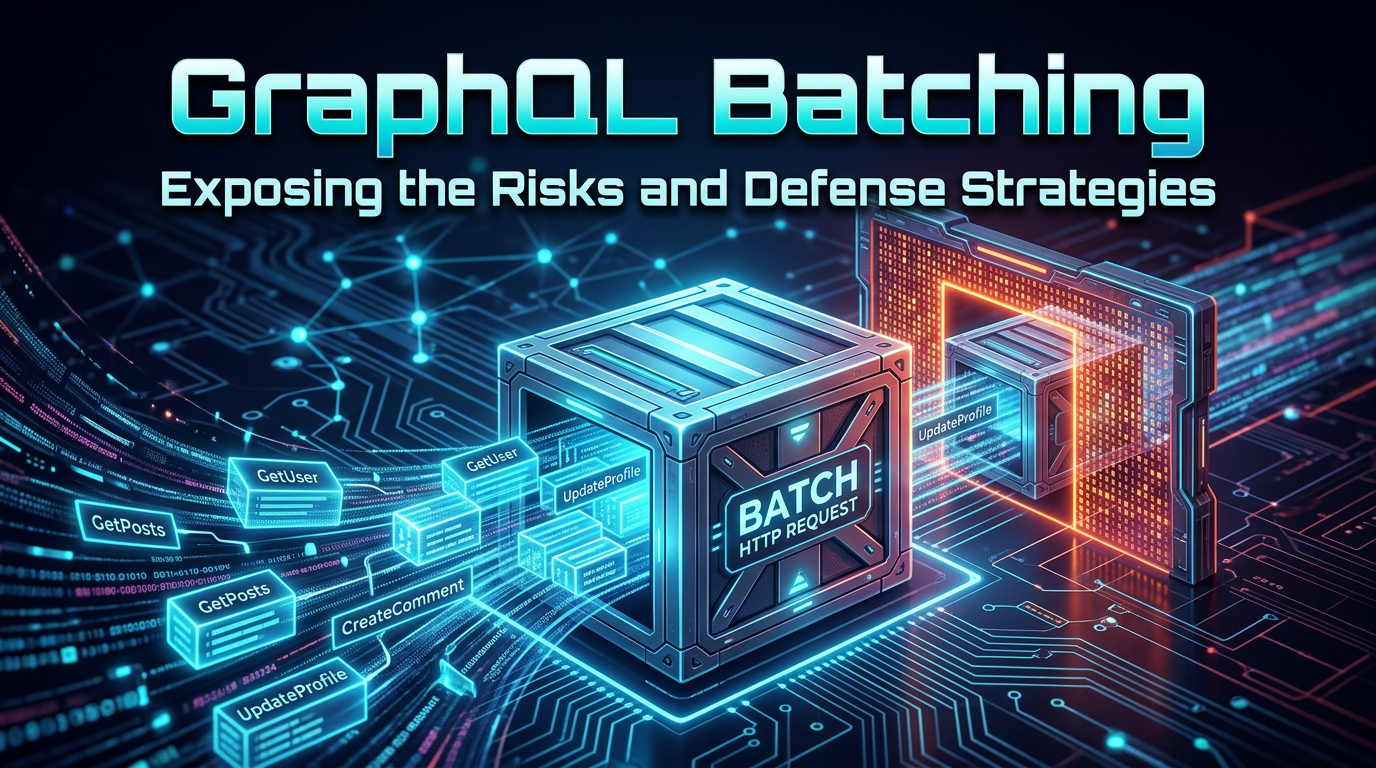
GraphQL has revolutionized how developers build APIs by allowing clients to request exactly the data they need and nothing more. However, this flexibility introduces unique security challenges that traditional REST APIs do not face. One of the most significant yet often overlooked threats is the GraphQL batching attack, a technique that allows attackers to pack multiple operations into a single HTTP request to bypass security controls. In this guide, we will explore how batching works, how it can be exploited for brute-forcing and denial-of-service, and how you can protect your infrastructure.
Understanding GraphQL and the Batching Feature
To understand the attack, we must first understand the feature. GraphQL is a query language for APIs that provides a complete and understandable description of the data in your API. Unlike REST, where you might have dozens of endpoints (e.g., /users, /posts, /comments), GraphQL typically uses a single endpoint (usually /graphql) that accepts POST requests containing a query string.
Batching is a performance-optimization feature implemented by many GraphQL servers, such as Apollo Server and Express-GraphQL. It allows a client to send multiple queries or mutations to the server in a single network request. This is particularly useful for mobile applications or high-latency environments where reducing the number of HTTP round-trips is critical for performance.
There are two primary ways batching is implemented:
- Array-based Batching: The client sends a JSON array of query objects instead of a single object.
- Query-level Batching (Aliases): The client uses GraphQL aliases to perform multiple operations within a single query string.
While these features are great for performance, they create a massive blind spot for traditional security tools like Web Application Firewalls (WAFs) and standard rate limiters, which typically count one HTTP request as one action.
What is a GraphQL Batching Attack?
A GraphQL batching attack occurs when an attacker leverages the batching feature to execute hundreds or thousands of operations while the server and its surrounding security layers only perceive a single request. This is a form of "request smuggling" at the application layer. By bundling many operations together, an attacker can perform high-speed brute-force attacks, scrape large amounts of data, or exhaust server resources (CPU/Memory) without triggering IP-based rate limits.
Because Jsmon focuses on mapping and monitoring your external attack surface, understanding these hidden API behaviors is crucial. If your GraphQL endpoint is exposed and batching is enabled without limits, an attacker can essentially bypass your entire rate-limiting strategy.
How GraphQL Batching Attacks Work
Let's dive into the technical mechanics of how these attacks are structured. We will look at both array-based batching and alias-based batching.
1. Array-Based Batching (The Multi-Query Attack)
In a standard GraphQL request, you send a single JSON object:
{
  "query": "query { user(id: 1) { username } }"
}
With array-based batching enabled, the server accepts an array of these objects:
[
  { "query": "query { user(id: 1) { username } }" },
  { "query": "query { user(id: 2) { username } }" },
  { "query": "query { user(id: 3) { username } }" }
]
If the server allows an array of 1,000 queries, an attacker can request 1,000 different user records in one HTTP request. If your WAF is configured to block an IP after 100 requests per minute, the attacker is still safe because they have only sent one request.
2. Alias-Based Batching (The Single-Query Attack)
Aliases allow you to rename the result of a field. Attackers use this to call the same mutation or query multiple times within one query block. This is even more dangerous because it doesn't even require the server to support "batching" in the traditional configuration sense; it is a core feature of the GraphQL language itself.
query {
  user1: user(id: 1) { username }
  user2: user(id: 2) { username }
  user3: user(id: 3) { username }
}
In this example, the server processes three separate lookups, but to a network-level monitor, it looks like one standard query.
Exploitation Scenarios and Examples
To truly grasp the danger, let's look at real-world exploitation scenarios. These examples demonstrate how an attacker moves from a simple query to a full-scale attack.
Brute-Forcing Credentials
Imagine a login mutation that takes a username and password. A standard brute-force attack would send thousands of POST requests to /graphql. A batching attack sends one request with 1,000 login attempts.
The Payload:
[
  { "query": "mutation { login(user: \"admin\", pass: \"123456\") { token } }" },
  { "query": "mutation { login(user: \"admin\", pass: \"password\") { token } }" },
  { "query": "mutation { login(user: \"admin\", pass: \"qwerty\") { token } }" }
]
If the server returns a token for the second object but an error for the others, the attacker has successfully compromised the account in a single HTTP request. This completely bypasses traditional "max retries" logic if that logic is tied to the HTTP request count rather than the application logic.
Bypassing Two-Factor Authentication (2FA)
If an application requires a 6-digit TOTP code, there are 1,000,000 possible combinations. By using batching, an attacker can send batches of 1,000 codes per request. They would only need 1,000 HTTP requests to exhaust the entire keyspace. This could be completed in minutes, rendering the 2FA protection nearly useless.
Resource Exhaustion (Denial of Service)
GraphQL batching can be used to trigger a Denial of Service (DoS). By requesting many complex, nested fields across hundreds of batched queries, an attacker can force the server to perform massive amounts of database work and JSON serialization.
The DoS Payload:
[
  { "query": "{ users(first: 100) { posts { comments { author { friends { id } } } } } }" },
  { "query": "{ users(first: 100) { posts { comments { author { friends { id } } } } } }" },
  ... (repeat 500 times)
]
Each query in the batch might take the server 500ms to resolve. With 500 queries in the batch, a single request could hang a server thread for 250 seconds. Sending just a few of these requests simultaneously can completely take down an API cluster.
Impact of GraphQL Batching Vulnerabilities
The impact of these vulnerabilities ranges from minor information disclosure to total system compromise:
- Account Takeover: High-speed credential stuffing becomes trivial.
- Data Exfiltration: Attackers can scrape entire databases by batching ID-based lookups.
- Service Downtime: Resource exhaustion leads to API unavailability for legitimate users.
- Financial Loss: For APIs that charge per request or use expensive cloud functions (like AWS Lambda), batching can lead to massive unexpected costs as thousands of operations are billed as a single "invocation."
How to Detect GraphQL Batching Vulnerabilities
If you are a security professional or a developer, you should proactively test your endpoints. Here is a simple checklist:
- Check for Array Support: Send a simple query wrapped in square brackets
[]. If the server returns a successful response (also in an array), batching is enabled. - Test Alias Limits: Send a query with 10 aliases of the same operation. If it succeeds, try 100, then 1,000.
- Monitor Response Times: Observe if the response time increases linearly with the number of batched items. This indicates the server is processing them synchronously and is vulnerable to resource exhaustion.
Using a tool like Jsmon can help you keep track of your GraphQL endpoints across your entire infrastructure, ensuring you don't have forgotten or shadow APIs that are vulnerable to these techniques.
Prevention and Mitigation Strategies
Securing a GraphQL API requires a multi-layered approach. You cannot rely on traditional WAFs alone. Here are the most effective ways to mitigate batching attacks.
1. Disable Batching If Not Needed
The simplest solution is to turn off batching entirely if your frontend doesn't require it. In Apollo Server, this can be done by setting allowBatchedHttpRequests: false in the configuration.
2. Limit the Batch Size
If you must use batching, enforce a strict limit on the number of operations allowed in a single request. A reasonable limit might be 5 or 10 operations. Anything beyond that is likely malicious or a sign of poor frontend architecture.
3. Implement Query Complexity Analysis
Instead of just counting requests, calculate the "cost" of a query. Assign points to different fields and types. For example, a simple user lookup might cost 1 point, while a nested friends list might cost 10 points. Set a maximum cost per HTTP request. If a batch of queries exceeds this total cost, reject the entire request.
4. Use Query Depth Limiting
Prevent attackers from requesting deeply nested data structures. By limiting the depth of a query (e.g., no more than 3 or 5 levels deep), you significantly reduce the impact of resource exhaustion attacks, even when batched.
5. Application-Level Rate Limiting
Your rate limiting should be aware of the GraphQL operations, not just the HTTP layer. If a user attempts to log in, the increment to your rate limiter should happen inside the login resolver. This way, whether they send 1,000 login attempts in 1,000 requests or 1,000 login attempts in 1 request, the rate limiter will trigger after the threshold is reached.
Conclusion
GraphQL batching is a double-edged sword. While it provides significant performance benefits, it opens the door to sophisticated attacks that bypass traditional security measures. By understanding the mechanics of array-based and alias-based batching, and by implementing strict limits on complexity and batch size, you can enjoy the benefits of GraphQL without exposing your organization to unnecessary risk.
To proactively monitor your organization's external attack surface and catch exposures before attackers do, try Jsmon.



