What is Google Cloud Storage Misconfiguration? Ways to Exploit, Examples and Impact
Master Google Cloud Storage security. Learn how to identify, exploit, and remediate GCS bucket misconfigurations with practical gsutil examples and IAM tips.
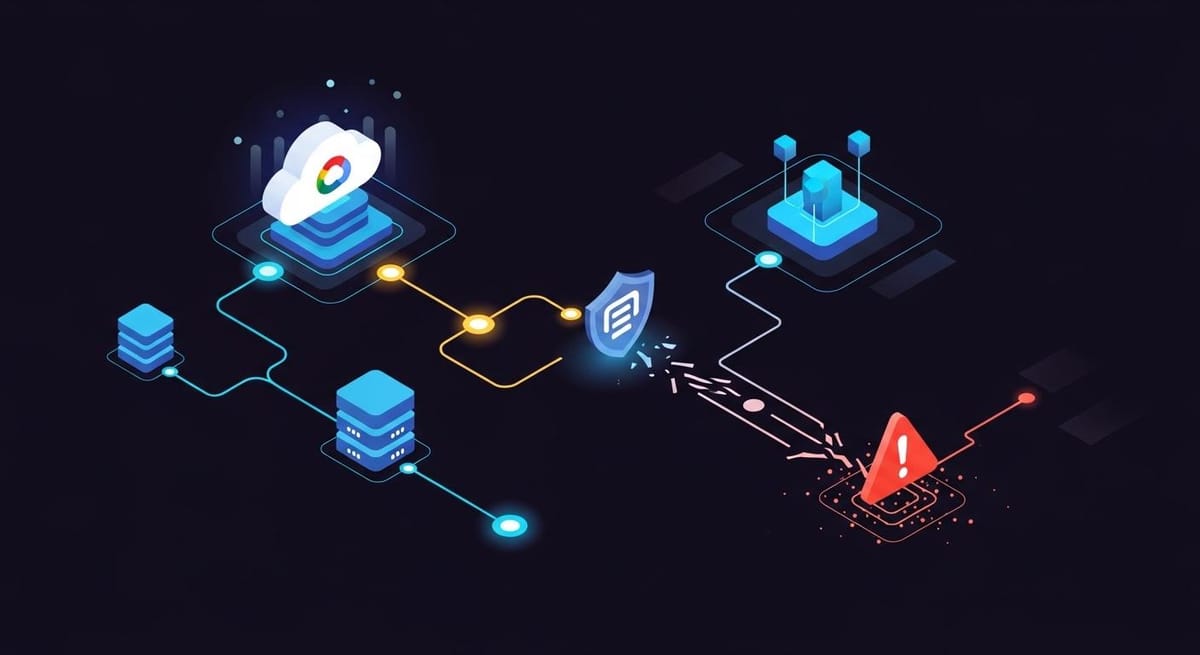
Google Cloud Storage (GCS) is a cornerstone of modern cloud infrastructure, providing developers with a scalable, highly available object storage service. However, with great power comes the potential for significant risk. A single checkbox or a misunderstood IAM policy can transform a secure repository into a public data leak. In this guide, we will dive deep into what Google Cloud Storage misconfigurations are, how attackers identify and exploit them, and the steps you can take to secure your organization's data.
What is Google Cloud Storage (GCS)?
Before exploring the vulnerabilities, it is essential to understand the architecture of Jsmon and the cloud environments it monitors. Google Cloud Storage is an object storage service similar to Amazon S3 or Azure Blob Storage. It allows users to store data in containers called "buckets." These buckets contain "objects," which can be anything from text files and images to database backups and source code.
Access to these buckets is governed by two primary mechanisms: Identity and Access Management (IAM) and Access Control Lists (ACLs). IAM is the modern, recommended way to manage access globally across a project, while ACLs allow for fine-grained control over individual objects. Misconfigurations typically arise when these two systems overlap or when administrators apply overly permissive settings to simplify development workflows.
Common Types of GCS Misconfigurations
Understanding how GCS buckets become exposed is the first step in prevention. Most vulnerabilities fall into a few specific categories related to identity and access settings.
1. Public Read Access via 'allUsers'
The most common and dangerous misconfiguration is granting roles/storage.objectViewer or roles/storage.legacyObjectReader to a special identity called allUsers. In Google Cloud terminology, allUsers represents anyone on the internet. When this is applied to a bucket, anyone with the bucket's URL can list the contents and download every file stored within it.
2. The 'allAuthenticatedUsers' Misconception
A frequent point of confusion for beginners is the allAuthenticatedUsers group. Many administrators mistakenly believe this refers to users authenticated within their specific Google Workspace or organization. In reality, allAuthenticatedUsers refers to anyone with a valid Google account—including personal Gmail accounts. Granting access to this group effectively makes the bucket public, as any attacker can simply use their own Google credentials to access the data.
3. Public Write Access
While read access leads to data breaches, public write access (roles/storage.objectCreator or roles/storage.admin granted to allUsers) allows attackers to upload malicious files. This can be used for hosting malware on your trusted domain, performing "bucket squatting," or even overwriting existing legitimate files to conduct a supply chain attack.
4. Overly Permissive IAM Roles
Sometimes, the misconfiguration isn't about making the bucket public to the whole world, but rather granting too much power to a service account or a low-privileged user. For example, giving a web application's service account roles/storage.admin instead of roles/storage.objectCreator allows that application (and any attacker who compromises it) to delete the entire bucket or change its security settings.
How to Identify and Exploit GCS Misconfigurations
Security professionals and attackers use several methods to discover exposed GCS buckets. Because GCS uses a predictable URL structure, enumeration is relatively straightforward.
1. Bucket Enumeration and Discovery
GCS buckets are typically accessed via the following URL format:https://storage.googleapis.com/[bucket-name]/
Attackers use wordlists and automated tools to "fuzz" for common bucket names, such as company-backups, dev-artifacts, or staging-data. If a bucket exists and is public, a simple GET request will return an XML document listing the objects.
2. Testing for Public Listing (Read Access)
You can test for public access using curl or the gsutil command-line tool, which is part of the Google Cloud SDK.
Example command to check if a bucket allows public listing:
# Using curl to check for XML listing
curl https://storage.googleapis.com/target-bucket-name

# Using gsutil without authentication
gsutil ls gs://target-bucket-name
If the command returns a list of files, the bucket is misconfigured for public read access. If it returns a 403 Forbidden error, the bucket is likely private.
3. Testing for Public Write Access
If listing is enabled, an attacker might try to upload a file to see if write permissions are also open. This is a critical vulnerability that can lead to complete infrastructure compromise.
# Attempting to upload a dummy file
echo "test" > test.txt
gsutil cp test.txt gs://target-bucket-name/test.txt
If the upload succeeds, the attacker can now host files on your infrastructure. This is often used to host phishing pages or malicious scripts that appear to come from a legitimate corporate domain.
4. Analyzing IAM Policies
If you have some level of access to the environment (e.g., during a white-box pentest), you can inspect the IAM policy of a bucket to find hidden misconfigurations. The following command retrieves the policy in JSON format:
gsutil iam get gs://target-bucket-name
A misconfigured policy might look like this:
{
  "bindings": [
    {
      "members": [
        "allUsers"
      ],
      "role": "roles/storage.objectViewer"
    }
  ]
}
The presence of allUsers in the members list combined with an objectViewer role is a clear indicator of a public exposure.
Real-World Impact of GCS Leaks
The consequences of a GCS misconfiguration can be devastating, ranging from financial loss to total loss of customer trust.
- Data Breaches: Buckets often contain database exports, PII (Personally Identifiable Information), or configuration files containing API keys and passwords. Exposure of this data leads to regulatory fines (GDPR, CCPA) and lawsuits.
- Ransomware and Extortion: Attackers who find sensitive data may download it and threaten to release it unless a ransom is paid. If they have write access, they may delete the original data, effectively holding the business hostage.
- Malware Distribution: By uploading malicious binaries or JavaScript files to a public bucket, attackers can leverage the organization's reputation to bypass email filters and infect end-users.
- Financial Drain: If a bucket is public, anyone can download the data. For large files, the egress costs (the price Google charges for data leaving their network) can skyrocket, leaving the organization with a massive, unexpected bill.
How to Prevent GCS Misconfigurations
Securing Google Cloud Storage requires a defense-in-depth approach. Here are the most effective ways to mitigate the risk of misconfiguration.
1. Enforce Public Access Prevention (PAP)
Google Cloud offers a feature called "Public Access Prevention." When enabled at the bucket or project level, it prevents any IAM or ACL changes that would make the bucket public. This is the most effective "kill switch" for accidental exposures.
2. Use Uniform Bucket-Level Access
GCS allows for two types of access control: Fine-grained (using ACLs) and Uniform (using IAM only). ACLs are often the source of confusion and hidden permissions. By enforcing Uniform Bucket-Level Access, you disable ACLs entirely and manage all permissions through IAM, which is much easier to audit and control.
3. Implement the Principle of Least Privilege (PoLP)
Never grant a user or service account more permission than they need. Avoid using primitive roles like Owner or Editor. Instead, use predefined roles like roles/storage.objectCreator for accounts that only need to upload data, or roles/storage.objectViewer for those that only need to read it. Always prefer granting permissions to specific service accounts rather than broad groups.
4. Regular Auditing and Monitoring
Cloud environments are dynamic. A bucket that is secure today might be misconfigured tomorrow during a troubleshooting session. Use tools to regularly scan your infrastructure for public buckets. Google's Cloud Asset Inventory and Security Command Center can help, but for a comprehensive view of your external exposure, specialized tools are often required.
Jsmon can assist in tracking your organization's digital footprint, ensuring that new infrastructure components like GCS buckets are identified and monitored as soon as they appear in your environment.
Conclusion
Google Cloud Storage misconfigurations are a leading cause of cloud-based data breaches, but they are entirely preventable. By understanding the difference between allUsers and allAuthenticatedUsers, enforcing Uniform Bucket-Level Access, and utilizing Public Access Prevention, you can significantly harden your cloud storage against common exploitation techniques. Security is not a one-time setup but a continuous process of monitoring and refinement.
To proactively monitor your organization's external attack surface and catch exposures before attackers do, try Jsmon.



