What is DS_Store File Exposure? Ways to Exploit, Examples and Impact
Learn how .DS_Store file exposure leads to information disclosure. Discover exploitation methods, tools, and how to prevent these leaks on your server.
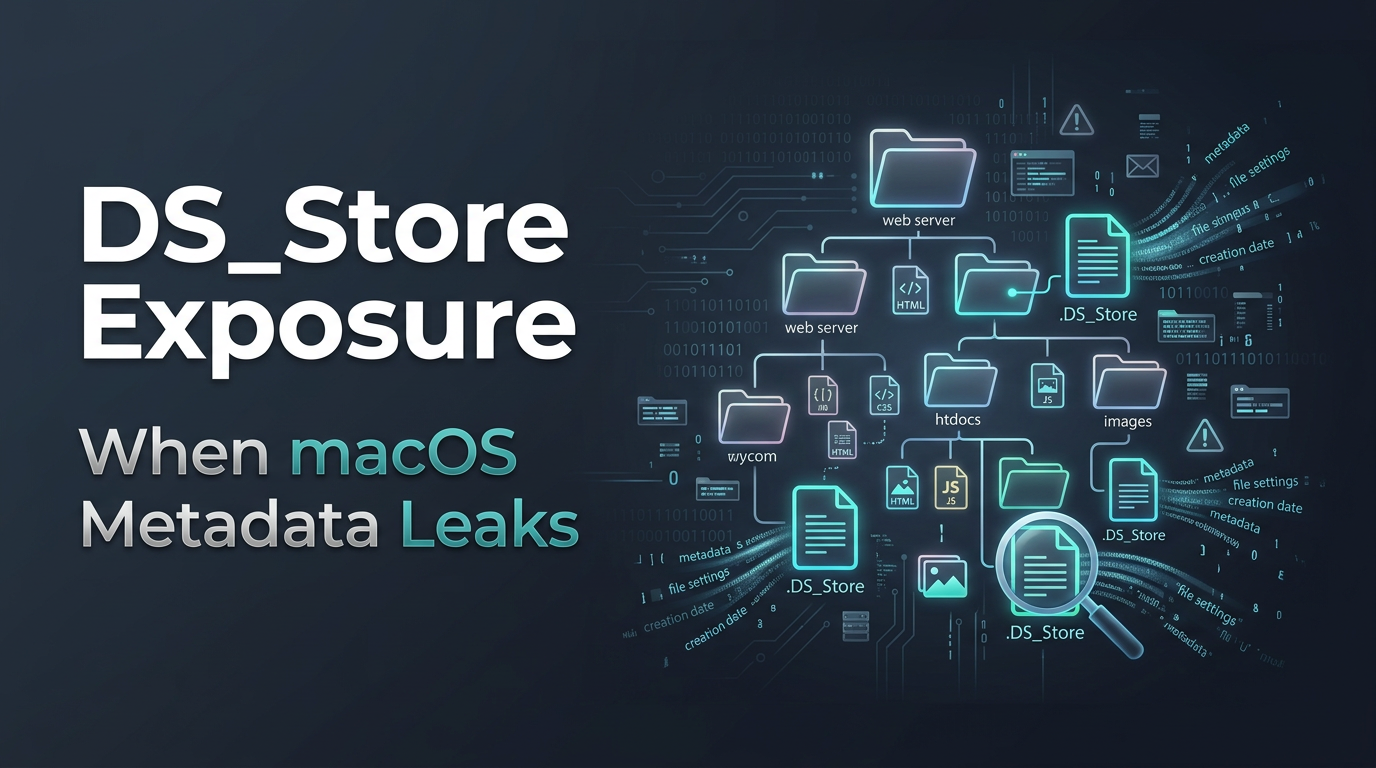
In the world of web security, some of the most dangerous vulnerabilities aren't complex code injections or cryptographic failures, but simple information leaks. One such common yet overlooked leak is the exposure of .DS_Store files. For macOS users, these files are a daily occurrence, but when they migrate from a local machine to a production web server, they become a goldmine for attackers. This post explores what .DS_Store files are, why their exposure is a critical security risk, and how you can protect your infrastructure.
What is a .DS_Store File?
The term .DS_Store stands for Desktop Services Store. It is a hidden file automatically created by the macOS Finder (the default file manager) whenever a folder is opened. These files serve as a cache for folder-specific metadata and display settings.
When you customize a folder's appearance on a Mac-such as changing the icon size, window position, background color, or the arrangement of files-the Finder saves these preferences into the .DS_Store file located within that specific directory. Because these files start with a dot (.), they are hidden by default in the macOS terminal and the Finder itself, leading many developers to forget they even exist.
From a technical perspective, a .DS_Store file is a proprietary binary format. While it isn't a plain text file, it contains a structured list of every file and subfolder present in the directory where it resides. This is precisely why it is a security concern: it acts as a directory index, even if the web server has directory listing disabled.
Why .DS_Store Exposure Occurs
Exposure typically happens during the deployment process. There are three primary ways these files end up on a public-facing web server:
- Incomplete .gitignore Files: A developer might use
git add .to stage their project. If the.gitignorefile does not explicitly exclude.DS_Store, these files are committed to the repository and eventually pushed to the production server. - Manual FTP/SFTP Uploads: When dragging and dropping folders from a macOS environment to a remote server via FTP or SFTP, the hidden
.DS_Storefiles are often included in the transfer. - Compressed Archives: If a developer creates a
.zipor.tar.gzarchive of a project on macOS and extracts it on a server, the internal.DS_Storefiles are extracted along with the source code.
Once these files are sitting in the web root (e.g., /var/www/html/), they can be accessed by anyone who knows the URL path, such as https://example.com/.DS_Store.
The Security Risk: Information Disclosure
The primary risk of .DS_Store exposure is Information Disclosure. While the file itself doesn't contain passwords or database credentials directly, it provides an attacker with a blueprint of your server's file system.
Mapping the Attack Surface
Web administrators often disable "Directory Listing" (the feature that shows a list of files when you visit a folder URL). This is a standard security practice to hide sensitive files. However, an exposed .DS_Store file bypasses this protection. By downloading and parsing the file, an attacker can discover:
- Hidden Backup Files: Files like
config.php.bak,database.sql.old, orindex.php~. - Sensitive Directories: Hidden admin panels, staging folders, or private API endpoints (e.g.,
/admin_v2_testing/). - Configuration Files: Environmental files like
.envthat might contain API keys or database strings. - Source Code Structure: Understanding the naming conventions and structure of the application, which helps in tailoring further attacks like Local File Inclusion (LFI).
How to Identify .DS_Store Exposure
For a security professional or a bug bounty hunter, identifying this exposure is straightforward. The first step is usually manual verification using a tool like curl to check if the file exists on the server.
curl -I https://example.com/.DS_Store
If the server returns a 200 OK status code, the file is present. If it returns a 404 Not Found or 403 Forbidden, the server is likely secure against this specific leak.
Automated Scanning
In a large-scale infrastructure reconnaissance phase, manually checking every directory is impossible. Tools like Jsmon can help monitor your attack surface for such exposures. Additionally, common directory brute-forcing tools like ffuf or dirsearch include .DS_Store in their default wordlists.
Example command using ffuf:
ffuf -u https://example.com/FUZZ -w common_wordlist.txt -e .DS_Store
Technical Deep Dive: Exploiting .DS_Store
Since the file is binary, you cannot simply open it in a text editor to read the file names clearly. Attackers use specialized parsers to extract the metadata.
The Binary Format
At a low level, .DS_Store files use a B-tree structure. The file begins with a magic header, usually Bud1 (or 00 00 00 01 42 75 64 31 in hex). Following the header is a series of blocks that store the actual metadata records.
Using Python to Parse .DS_Store
There are several open-source libraries available to handle this. One popular choice is the ds_store Python library. Here is a simple script an attacker (or a penetration tester) might use to list all files discovered within a leaked .DS_Store file:
from ds_store import DSStore

# Assume we downloaded the file as 'leaked.ds_store'
with DSStore.open('leaked.ds_store', 'r') as store:
    files = set()
    for entry in store:
        files.add(entry.filename)

    print("Files discovered in the directory:")
    for f in sorted(files):
        print(f" - {f}")
Chaining the Exploit
Imagine an attacker finds a .DS_Store file at https://example.com/assets/.DS_Store. After parsing it, they find a filename called internal_notes.txt.bak. They can then directly navigate to https://example.com/assets/internal_notes.txt.bak to download sensitive documentation that was never intended to be public.
Real-World Impact Examples
To understand the gravity, consider these scenarios often encountered in the field:
- The .env Leak: A developer works on a Laravel or React project. They accidentally upload the root
.DS_Store. An attacker parses it, finds the.enventry, and accesses the site's database credentials and AWS secret keys. - Source Code Disclosure: A company zips their source code for a client but leaves
.DS_Storefiles inside. The client uploads the zip to a server. The attacker finds the.DS_Store, which reveals a path to atmp/directory containing unpatched vulnerabilities in legacy scripts. - API Key Exposure: Many modern apps use JSON configuration files. A
.DS_Storefile might reveal the existence of aconfig/secrets.jsonfile that isn't linked anywhere in the UI but is accessible via a direct URL.
How to Prevent .DS_Store Exposure
Prevention should be handled at multiple levels: the developer's machine, the version control system, and the web server.
1. Configure Git Globally
To ensure you never accidentally commit these files, add .DS_Store to your global git ignore list. This protects all repositories on your machine.
echo ".DS_Store" >> ~/.gitignore_global
git config --global core.excludesfile ~/.gitignore_global
2. Clean Existing Files
If your project already contains these files, you can recursively delete them from your project directory before deploying:
find . -name ".DS_Store" -depth -exec rm {} \;
On macOS, you can also use the dot_clean utility to merge these files or remove them before copying folders to non-HFS+ volumes.
3. Web Server Hardening
This is the most critical line of defense. Even if a file is accidentally uploaded, the web server should refuse to serve it.
For Nginx:
Add the following block to your server configuration:
location ~ /\.DS_Store$ {
    deny all;
    access_log off;
    log_not_found off;
}
For Apache:
Add this to your .htaccess file or main configuration:
<Files ~ "^\.DS_Store">
    Order allow,deny
    Deny from all
    Satisfy All
</Files>
By implementing these server-level blocks, any request to a .DS_Store file will result in a 403 Forbidden error, effectively neutralizing the risk of information disclosure.
Conclusion
.DS_Store file exposure is a classic example of how minor OS-specific artifacts can lead to significant security vulnerabilities. While it is an information disclosure bug rather than a direct entry point, the metadata it provides can be the missing piece an attacker needs to compromise a system. By combining proper developer hygiene, strict .gitignore policies, and robust web server configurations, organizations can easily eliminate this risk.
To proactively monitor your organization's external attack surface and catch exposures like .DS_Store files before attackers do, try Jsmon.



